SendUp - Send Files Anywhere
UtilitiesProductivityComputer Link

SendUp - Send Files Anywhere

by Shivam Srivastava · Released November 10, 2026
⚡ Quest 3S · Quest 3 · Quest Pro · Quest 2
ComfortComfortable for most
ModesSingle User
Play areaSitting, Standing, Room-scale
Size53 MB
In-app purchasesNone
LanguagesEnglish

About this game

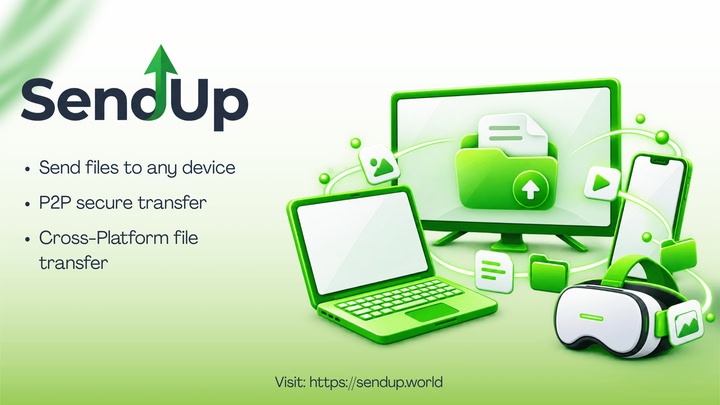
Move files between your Meta Quest headset and your other devices with SendUP. 🖥️ 📱🥽

Transfer photos, videos, documents, music and ZIP files between your headset, Android phones, iPhones, Windows PCs, Mac, Linux and compatible web browsers.

HOW IT WORKS

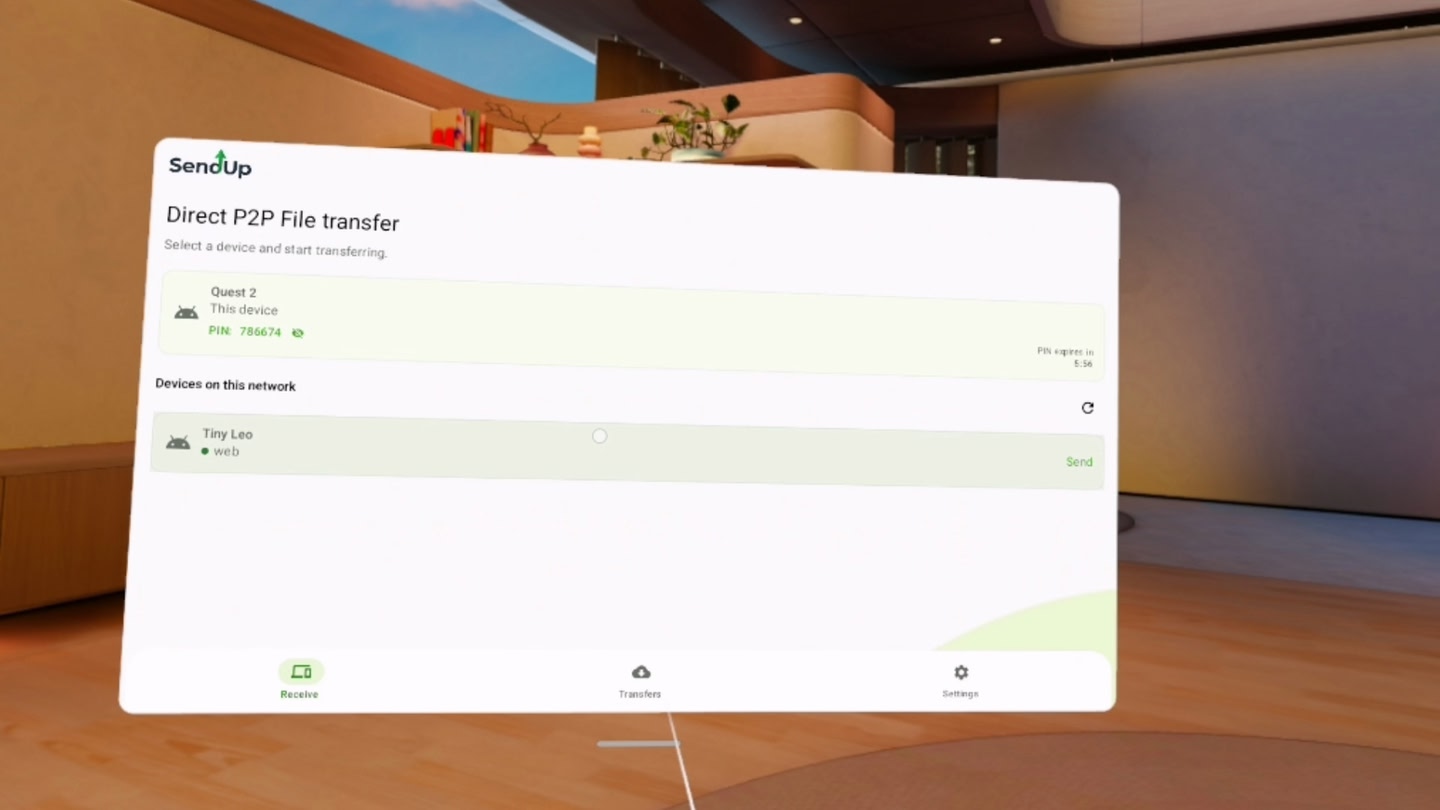
1. Open SendUP on your headset and the device you want to connect.

2. Connect using the displayed PIN.

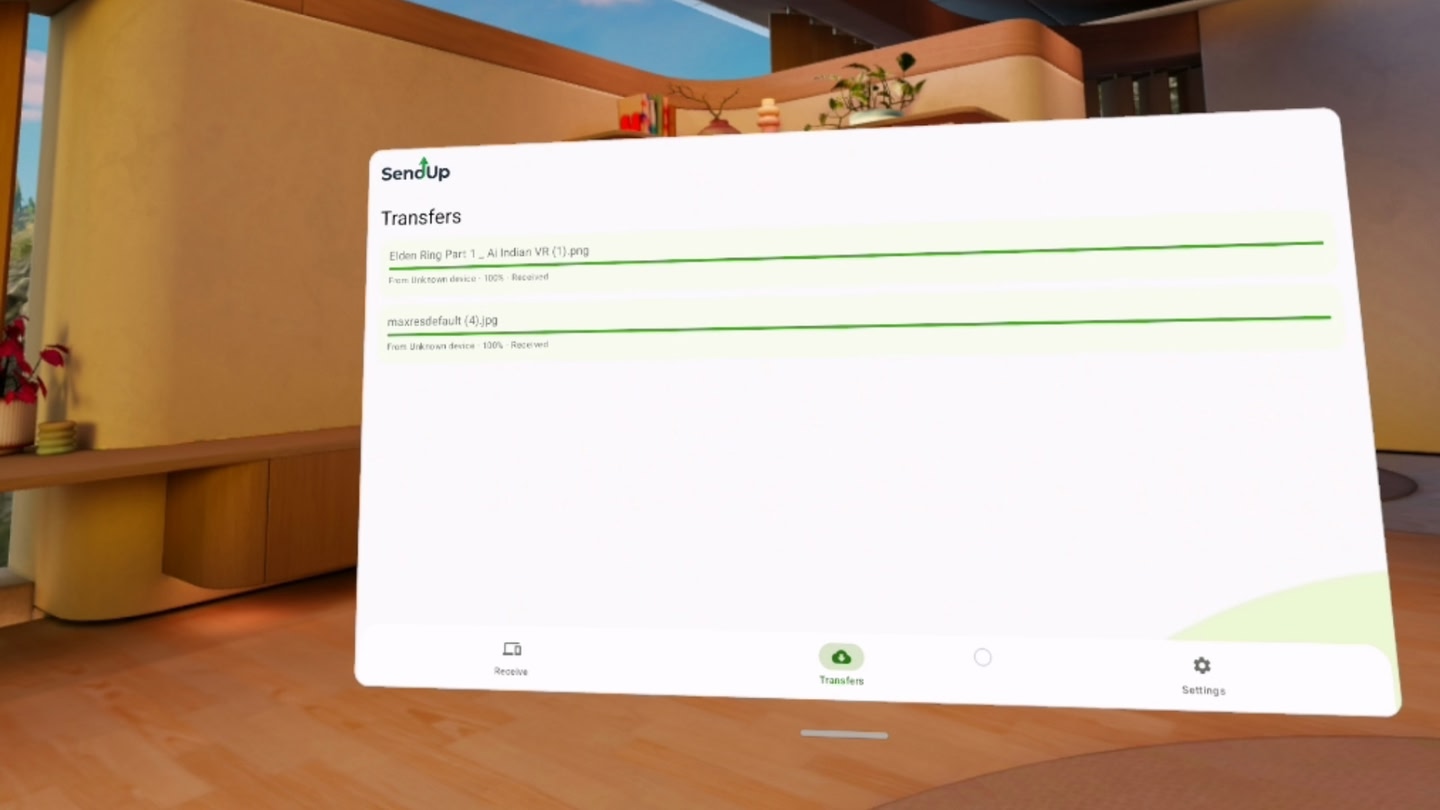
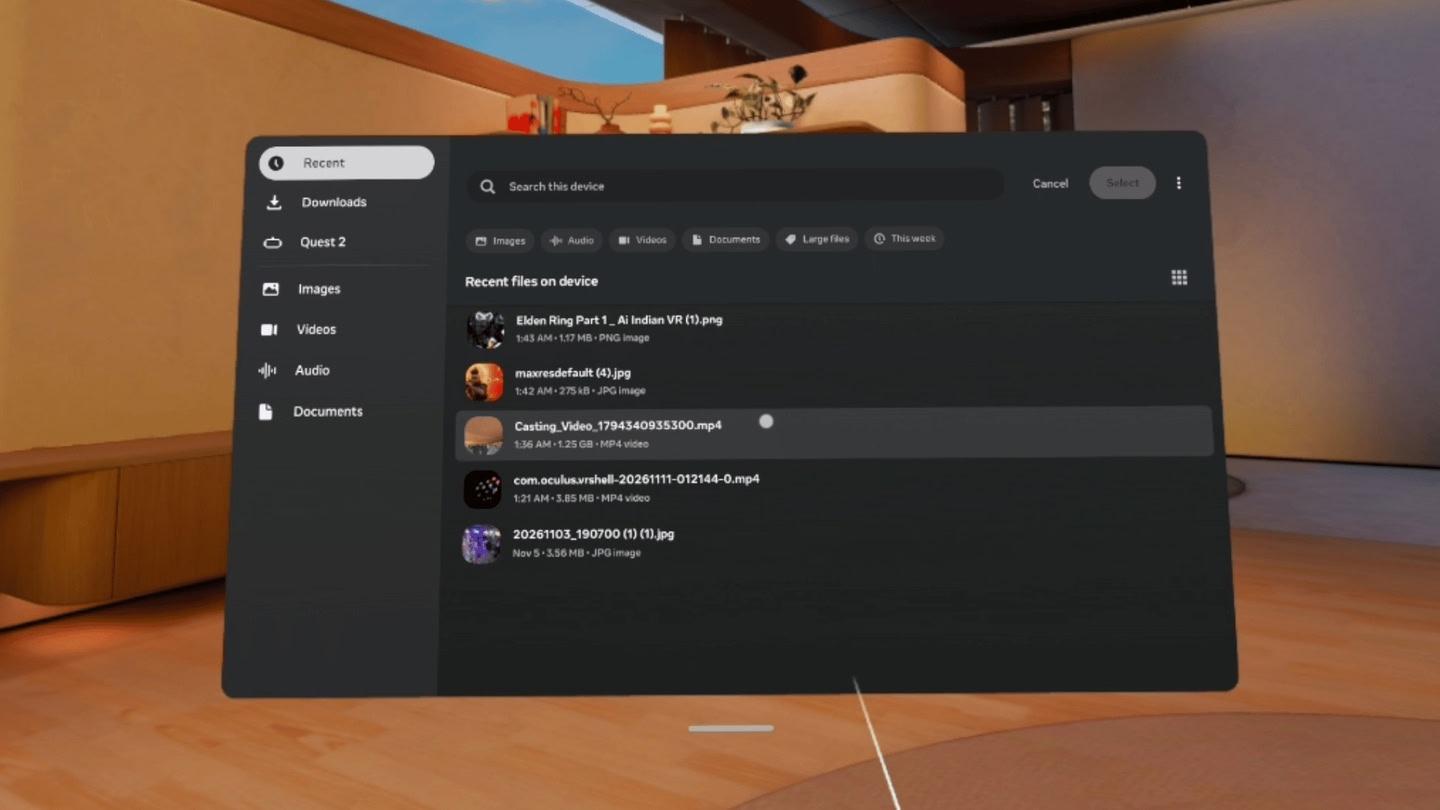
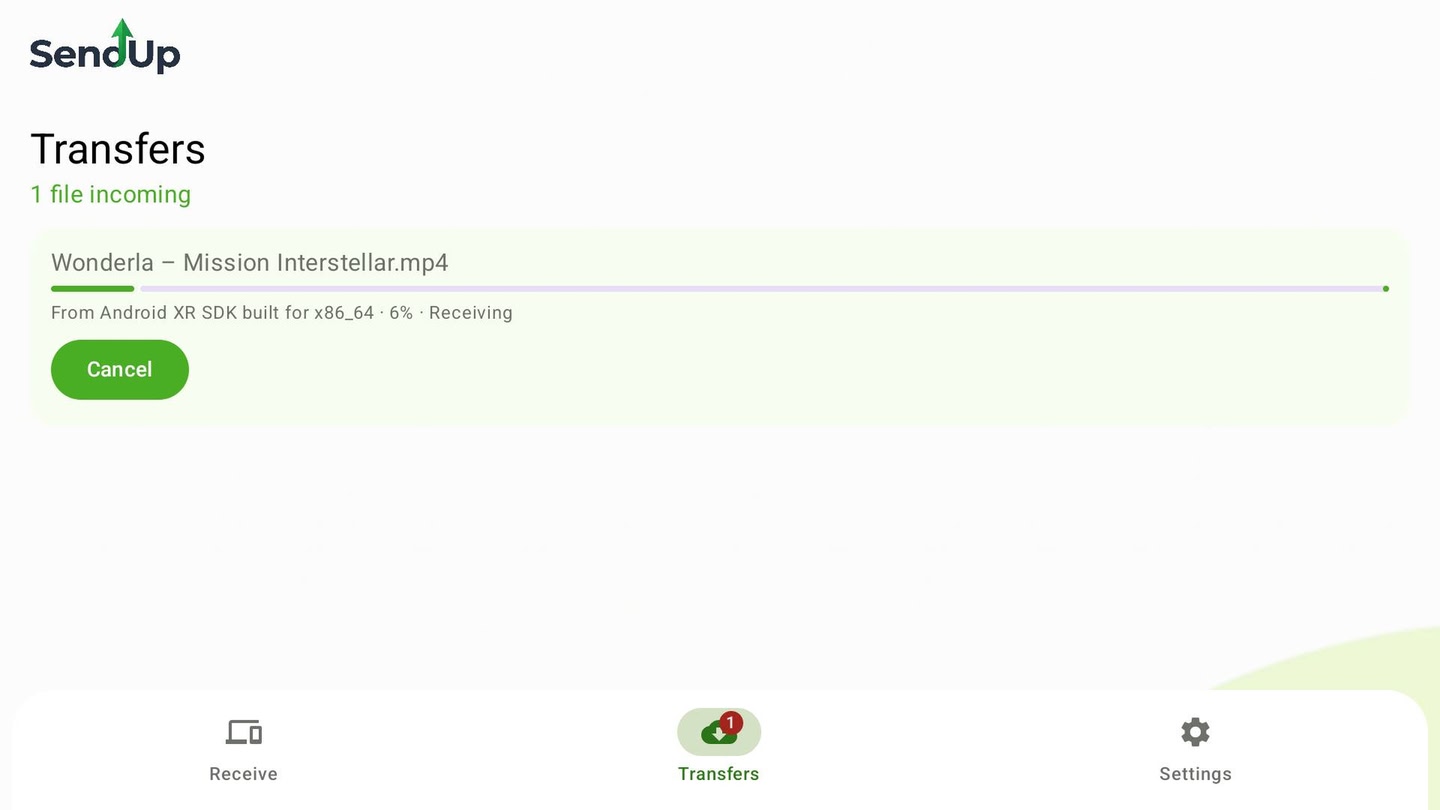
3. Select files and transfer them between devices.

PEER-TO-PEER FILE TRANSFER

SendUP uses WebRTC DataChannels for peer-to-peer (P2P) file sharing. During normal transfers, file contents are not uploaded to SendUP cloud storage. No SendUP account is required for basic transfers.

SUPPORTED DEVICES

1. Meta Quest headsets

2. Android phones, tablets

3. iPhone and iPad

4. Windows, macOS and Linux computers

5. Web browsers

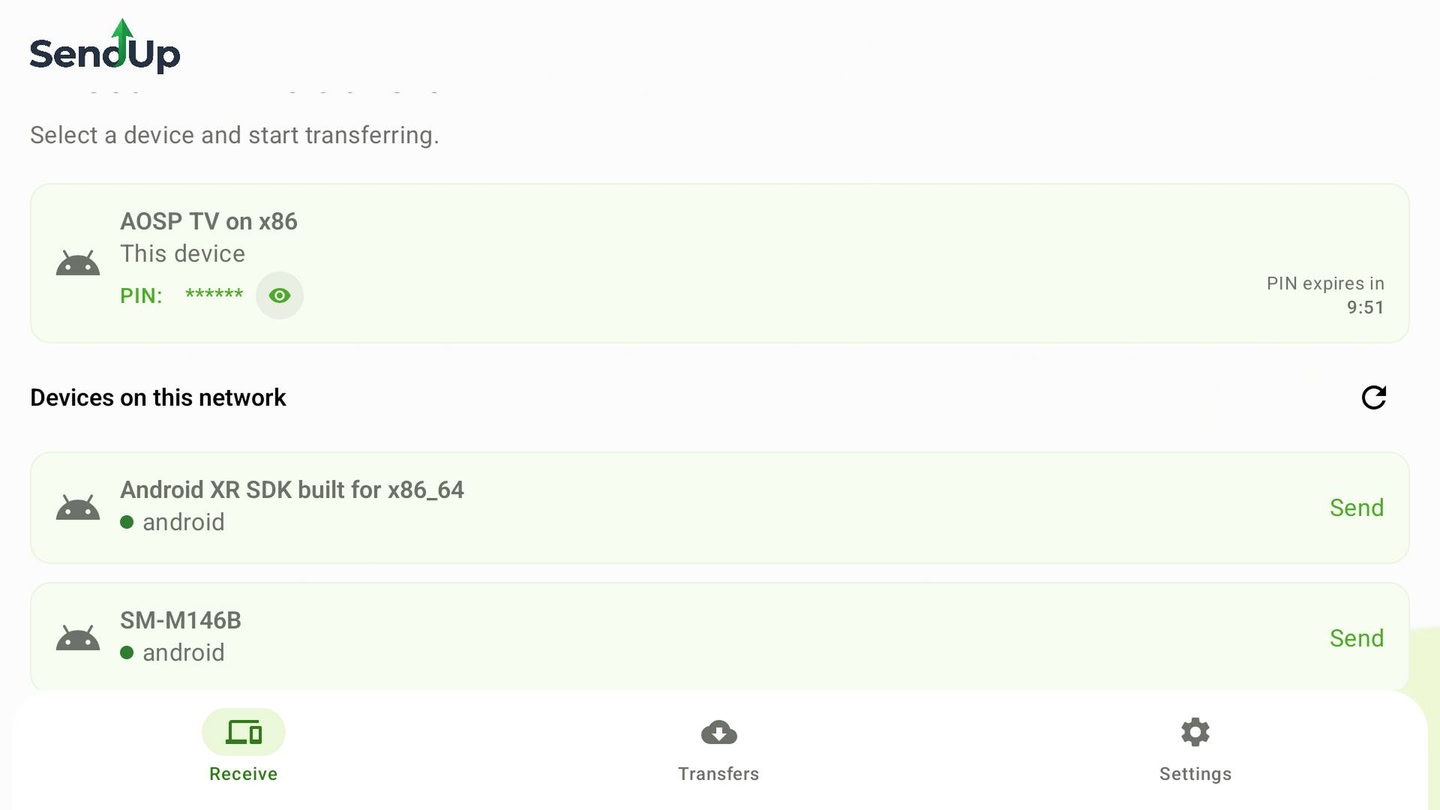
6. Android TV and supported Android XR devices

An internet connection is required for device discovery and connection setup. Compatibility and transfer performance depend on the devices and network.

Transfer files between your headset and your other devices without cables.

Details

Release date
November 10, 2026
Genre
Utilities, Productivity, Computer Link
Category
APPS
Modes
Single User
Play area
Sitting, Standing, Room-scale
Comfort
Comfortable for most
Age rating
Teen
Headsets
Quest 3S, Quest 3, Quest Pro, Quest 2
Controllers
Hands, Controllers, Tracked keyboard
Hand tracking
✓ Supported
Languages
English
Internet
Required
Ratings
–
Download size
53 MB
Version
1.0.2
In-app purchases
No
In-app ads
No
Content
Diverse Content: Discretion Advised