Home /Media /RSS Scroll
RSS Scroll
MediaUtilitiesNews

RSS Scroll

by ryo08271154 · Released June 6, 2026
Quest 3S · Quest 3 · Quest Pro · Quest 2

About this game

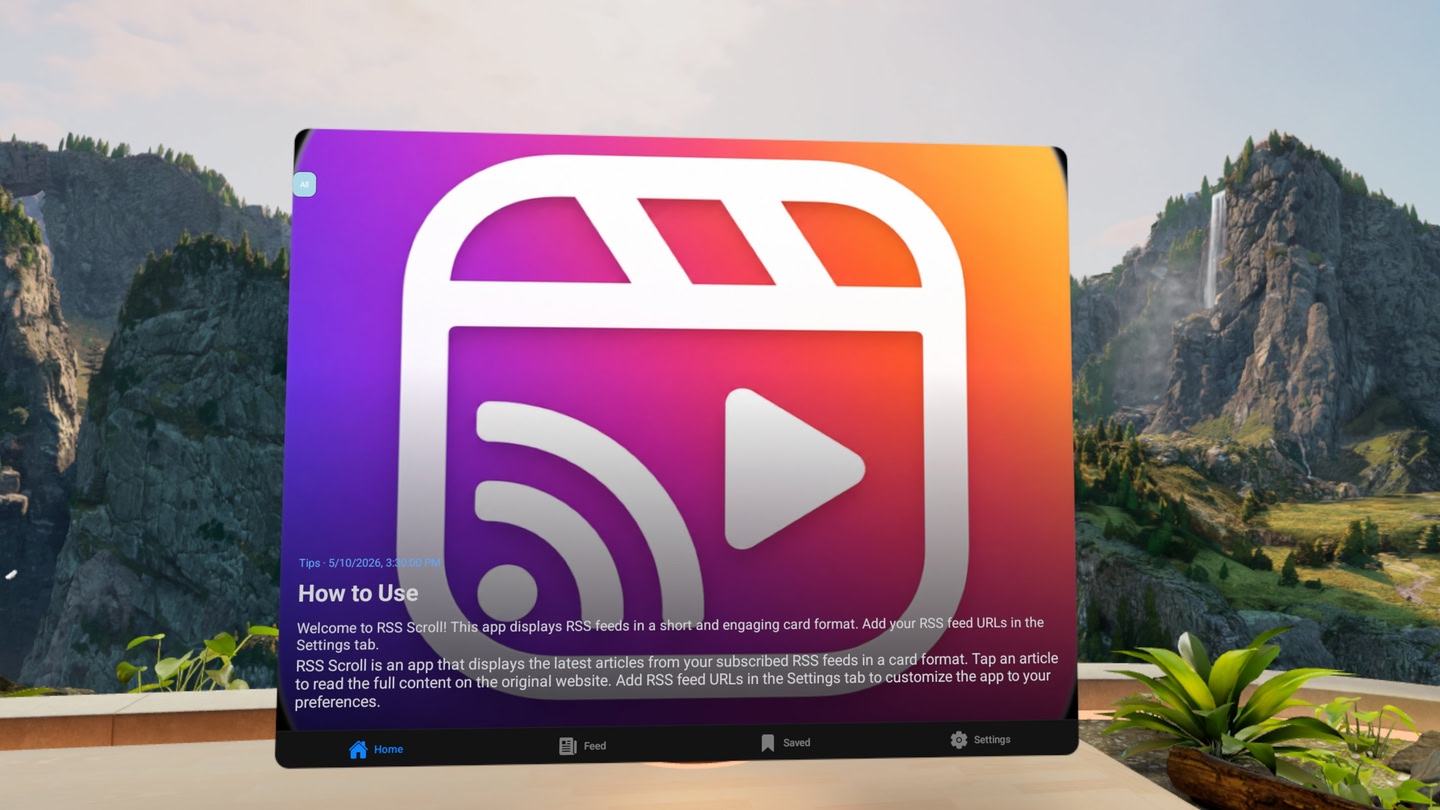
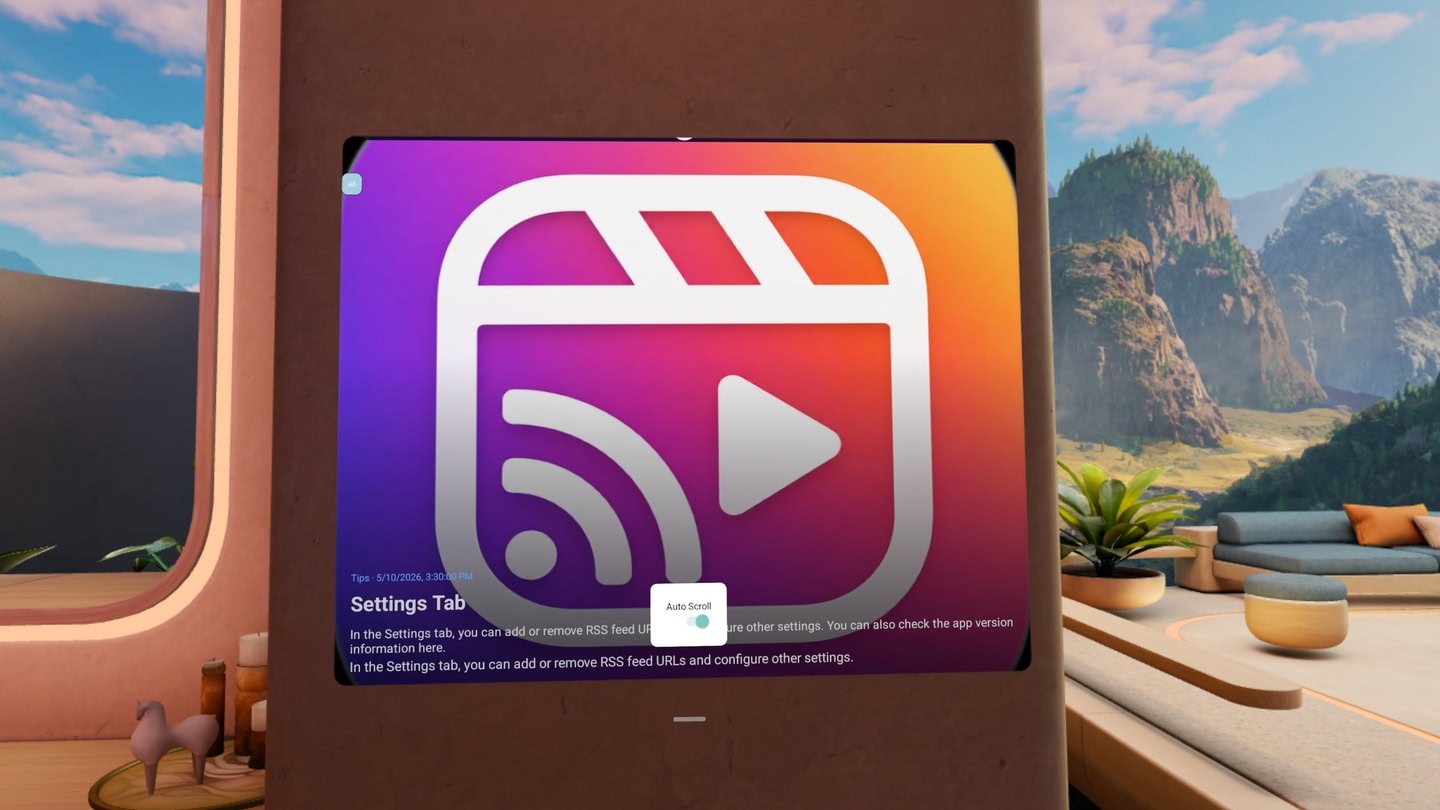
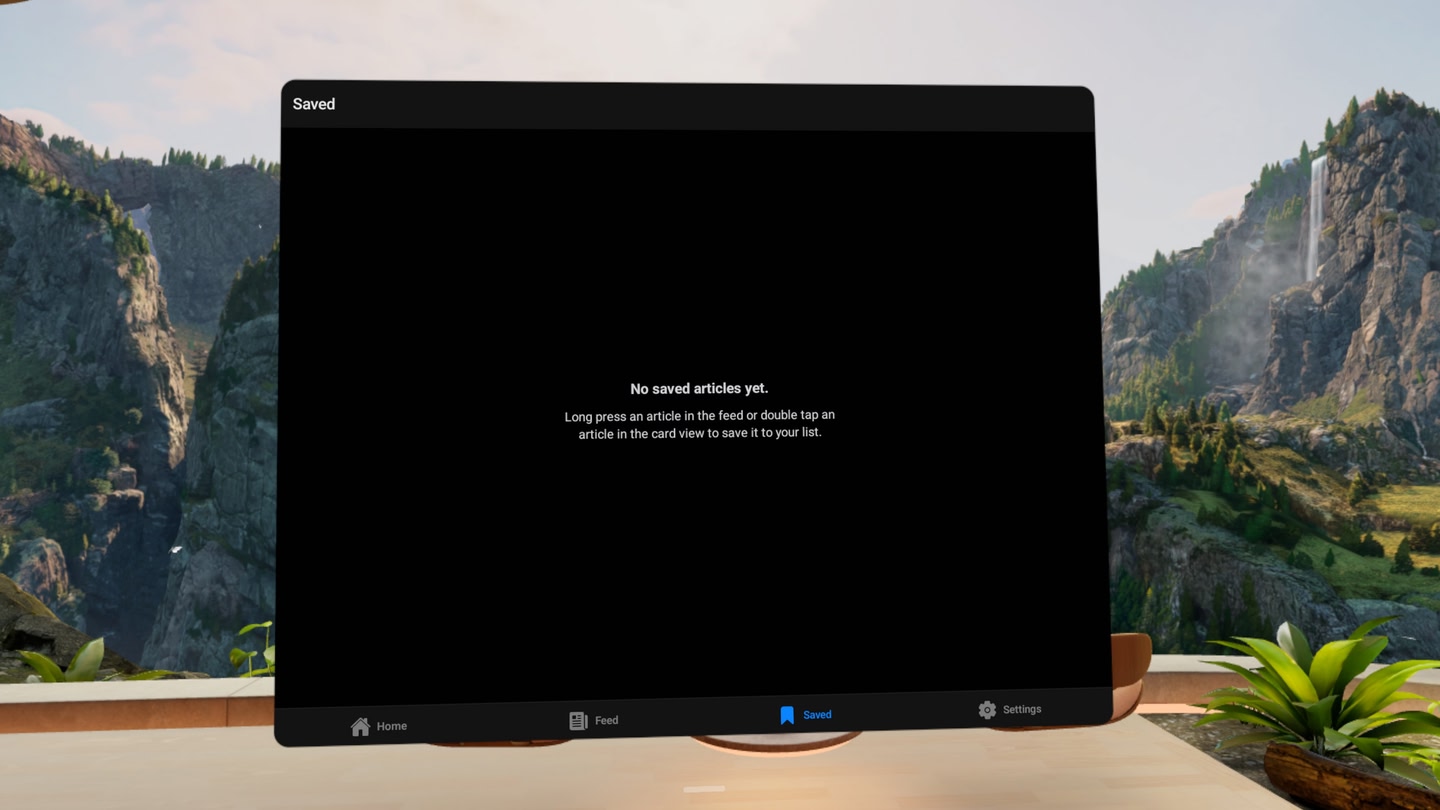
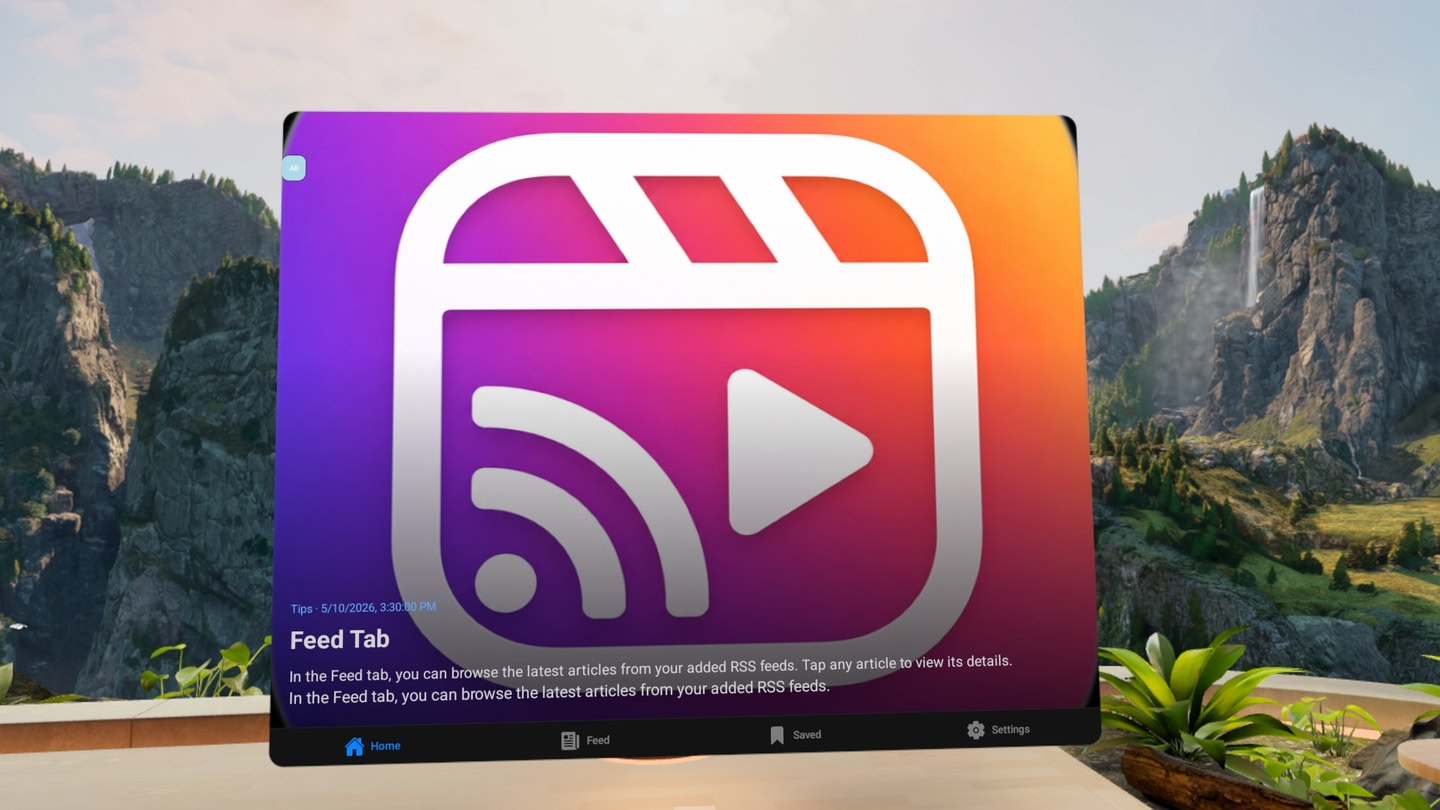
RSS Scroll lets you add and manage your favorite RSS feeds, then browse articles in a stylish card-based interface or a traditional feed list.

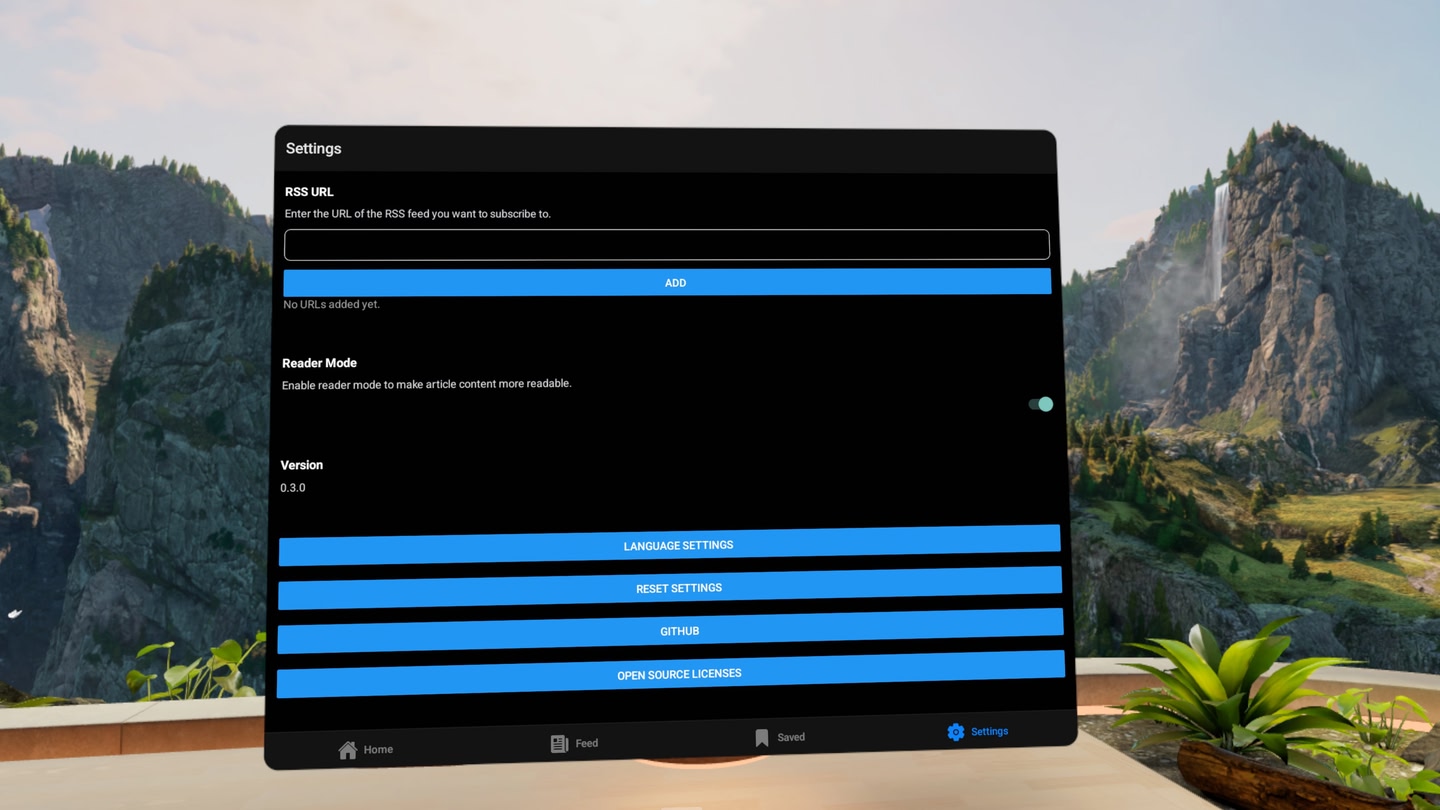
  • Add any RSS feed URL
  • Home screen shows full-screen article cards
  • Feed screen shows a fast list view
  • Filter articles by category
  • Open articles in your browser

Perfect for news, blogs, tech updates, and hobby sites — build your own personalized content stream.

Details

Developer
Publisher
Release date
June 6, 2026
Genre
Media, Utilities, News
Category
APPS
Modes
Single User
Play area
Sitting, Standing, Room-scale
Comfort
Comfortable for most
Age rating
Everyone 10+
Headsets
Quest 3S, Quest 3, Quest Pro, Quest 2
Controllers
Hand Tracking, Touch Controllers
Hand tracking
✓ Supported
Languages
English, French (France), German, Italian, Japanese, Korean, Portuguese (Brazil), Spanish (Spain)
Internet
Required
Ratings
Download size
138 MB
Version
0.5.0
In-app purchases
No
In-app ads
No

Frequently asked questions

How much does RSS Scroll cost?

RSS Scroll is completely free on the Meta Horizon Store: download it to your headset and play, no purchase needed.

Does RSS Scroll work on Quest 3, Quest 3S or Quest 2?

RSS Scroll officially supports: Quest 3S, Quest 3, Quest Pro, Quest 2. Headset support is set by the developer, as listed on the official store.

Is RSS Scroll multiplayer or single player?

RSS Scroll is a single-player experience (single user).

Is RSS Scroll comfortable for VR beginners?

RSS Scroll is rated Comfortable by the official store: minimal artificial movement, a great pick for VR newcomers.

What is the age rating for RSS Scroll?

RSS Scroll is rated Everyone 10+ on the official Meta store. Age ratings matter especially for online multiplayer titles, where voice chat is open.

When did RSS Scroll come out?

RSS Scroll was released on June 6, 2026, published by ryo08271154.