

ComfortComfortable for most
ModesSingle User
Play areaSitting, Standing, Room-scale
Size6 MB
In-app purchasesNone
LanguagesEnglish
About this game
Details
Developer
Publisher
Release date
November 3, 2026
Genre
Utilities, Productivity
Category
APPS
Modes
Single User
Play area
Sitting, Standing, Room-scale
Comfort
Comfortable for most
Age rating
Everyone
Headsets
Quest 3S, Quest 3, Quest Pro, Quest 2
Controllers
Hands, Tracked keyboard
Hand tracking
✓ Supported
Languages
English
Internet
Required
Ratings
–
Download size
6 MB
Version
1.0
In-app purchases
No
In-app ads
No
Website
Similar games
-10%-10%-10%-10%-10%
Fluid Browser + Video Player
Fluid
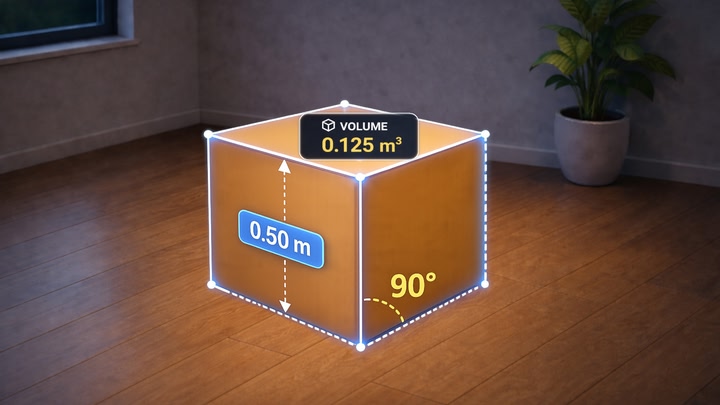
Reality Ruler
VisionXR
Free
Arkio
Arkio
Free
-10%-10%-10%-10%-10%
Transcend
Transcend XR Ltd
-10%-10%-10%-10%-10%
The Spatial App
The Spatial Company

AnExplorer VR File Manager
DWorkS
Free