

Home /Productivity /SimLab VR Viewer
SimLab VR Viewer
ProductivityCreativity

SimLab VR Viewer

by SimLab-Soft · Released March 30, 2021
★★★★★3.530 reviews
Quest 1 · Quest 3S · Quest 3 · Quest Pro · Quest 2

About this game

SimLab VR Viewer lets you step inside immersive VR scenes created with SimLab Composer and SimLab VR Studio. These tools convert 3D models from over 30 popular file formats into fully interactive VR experiences that you can view and explore with your headset.

⚠️ Please note: 3D files such as FBX, OBJ, or USDZ must first be prepared in SimLab Composer or VR Studio before being viewed. Direct import into the Viewer is not available.

What You Can Do

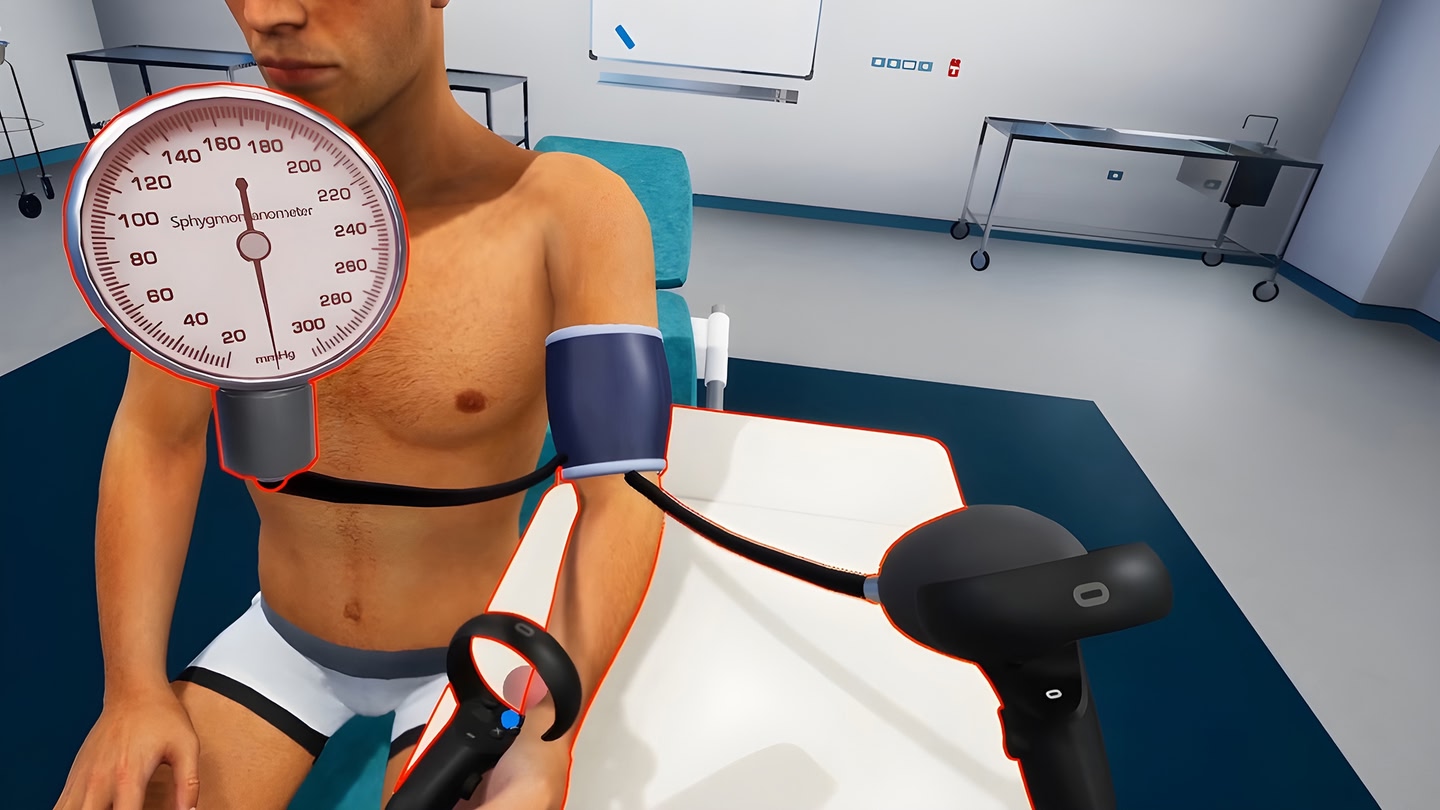
  • Run complete VR training and educational simulations.
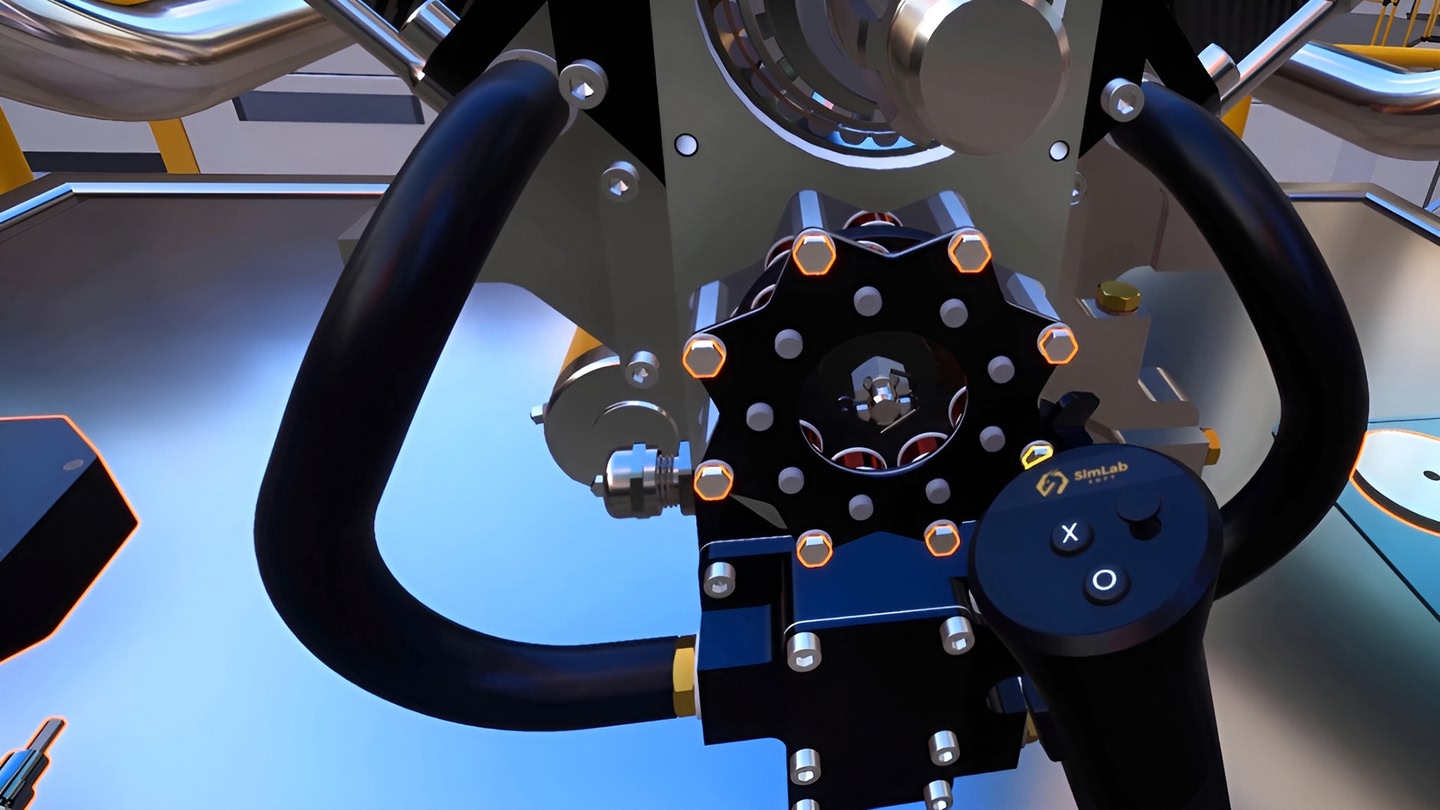
  • Explore mechanical assemblies and interact with 3D objects.
  • Deliver hands-on training and immersive learning experiences.
  • Take measurements and attach notes for review and collaboration.
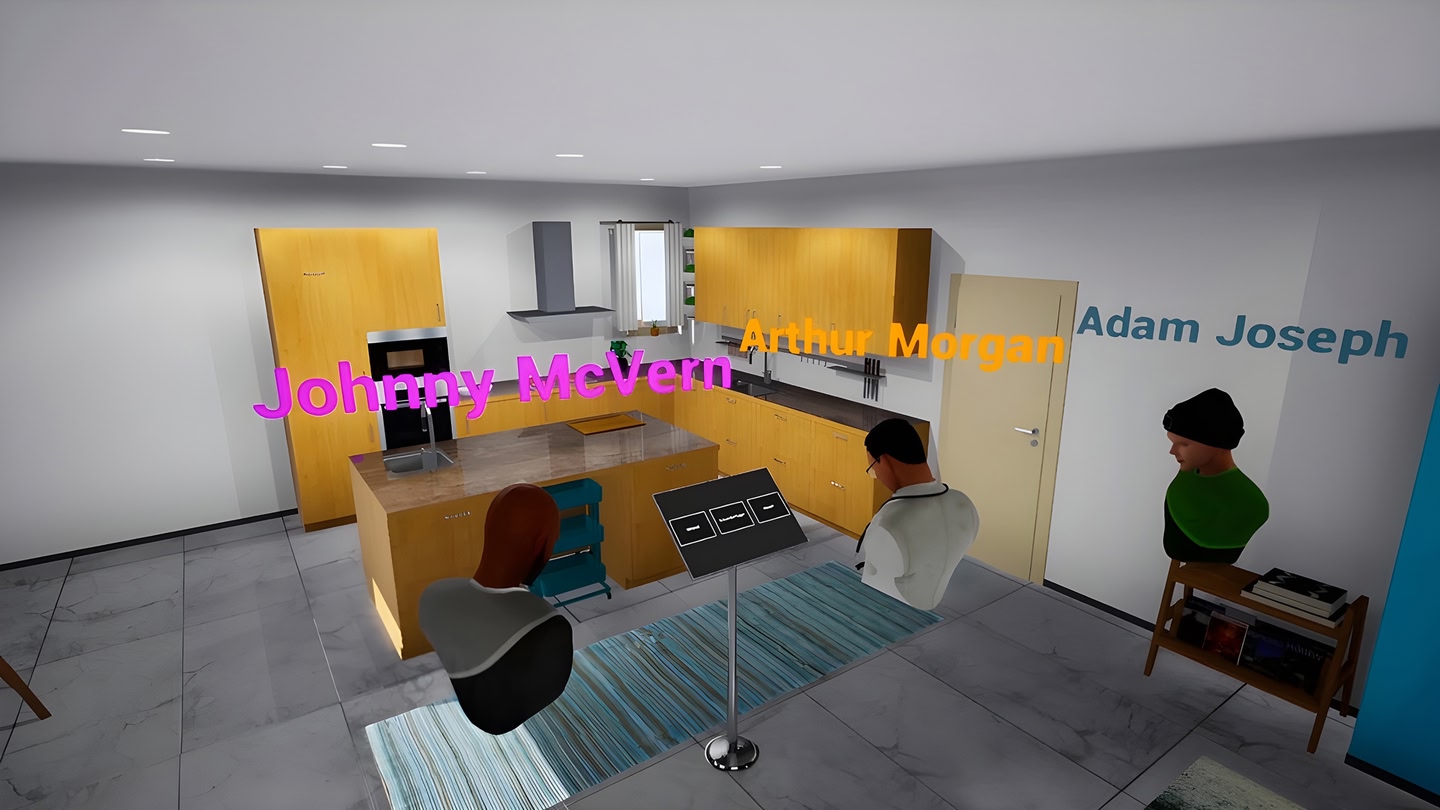
  • Join cross-platform multi-user sessions to collaborate and communicate in real time, whether in VR, Desktop or mobile.
  • Wireless Sync – Connect your headset with SimLab Composer or VR Studio to transfer and update VR experiences without cables.

Who Is It For?

  • Architects & Engineers – Present and review designs in VR.
  • Educators & Trainers – Deliver engaging, interactive lessons and simulations.
  • Designers & Marketers – Showcase prototypes and products in virtual space.
  • Teams – Review projects collaboratively in VR.

👉 To start creating VR experiences, visit:

https://www.simlab-soft.com/3d-products/simlab-composer-main.aspx

Details

Developer
Publisher
Release date
March 30, 2021
Genre
Productivity, Creativity
Category
APPS
Modes
Single User
Play area
Sitting, Standing, Room-scale
Comfort
Comfortable for most
Age rating
Everyone
Headsets
Quest 1, Quest 3S, Quest 3, Quest Pro, Quest 2
Controllers
Touch Controllers
Hand tracking
Languages
English
Internet
Not required
Ratings
★ 3.5 (30 reviews)
Download size
396 MB
Version
16.0.9
In-app purchases
No
In-app ads
No

Frequently asked questions

How much does SimLab VR Viewer cost?

SimLab VR Viewer is completely free on the Meta Horizon Store: download it to your headset and play, no purchase needed.

Does SimLab VR Viewer work on Quest 3, Quest 3S or Quest 2?

SimLab VR Viewer officially supports: Quest 1, Quest 3S, Quest 3, Quest Pro, Quest 2. Headset support is set by the developer, as listed on the official store.

Is SimLab VR Viewer multiplayer or single player?

SimLab VR Viewer is a single-player experience (single user).

Is SimLab VR Viewer comfortable for VR beginners?

SimLab VR Viewer is rated Comfortable by the official store: minimal artificial movement, a great pick for VR newcomers.

What is the age rating for SimLab VR Viewer?

SimLab VR Viewer is rated Everyone on the official Meta store. Age ratings matter especially for online multiplayer titles, where voice chat is open.

Is SimLab VR Viewer any good? What do players think?

SimLab VR Viewer holds a 3.5 / 5 average from 30 player ratings on the official Meta store, still a small sample, so read it as an early signal.

When did SimLab VR Viewer come out?

SimLab VR Viewer was released on March 30, 2021, published by SimLab-Soft.