Home /Utilities /Scan to Plan
Scan to Plan
UtilitiesProductivity

Scan to Plan

by Narova Digital · Released September 22, 2026
Quest 3S · Quest 3 · Quest Pro · Quest 2

About this game

Your headset can measure your home. This draws the 2D floor plan.

Moving, letting, insuring, quoting a builder - something always wants a floor plan. Your Meta Quest can map the walls, doors, windows and furniture itself. Set your space up once and the plan is waiting; if you have not, the app takes you there.

1:1 overlay

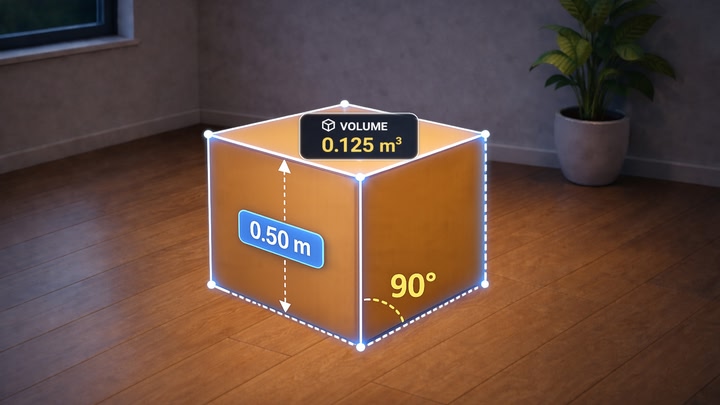
The plan over your rooms in passthrough, full size, in place. Walls and furniture outlined where they stand, named and measured.

Miniature

Your whole home as a model before you. Turn it, zoom in, click the stick to reset.

Floor plan

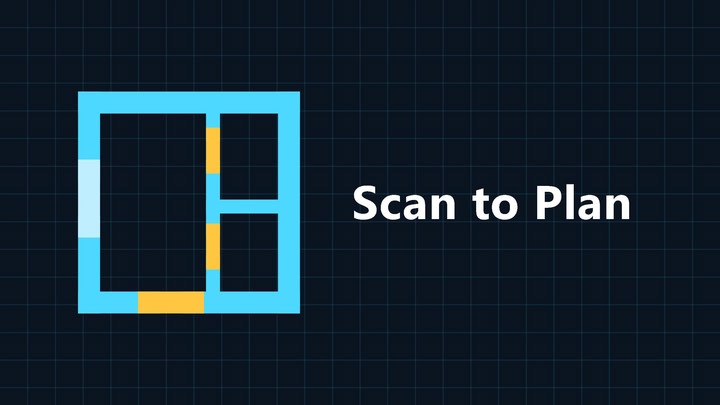
A flat sheet you can pan and zoom: wall lengths, room areas, doors and windows as real openings, furniture in its footprint, and a marker where you stand.

Squared up

The same plan as an architect draws it: walls pulled onto the building’s axes, partitions fused to their real thickness, corners closed. Black ink on white paper.

Take it with you

The trigger saves the sheet to Pictures/ScanToPlan as a print-size picture, and an SVG beside it - to a stated scale, with walls, furniture, dimensions and labels on separate layers, text still text. Edit it in Inkscape, Illustrator or Figma.

Free: the overlay and the miniature in full, every object named and measured. The two floor-plan sheets are locked - the drawing shows, but with no numbers or names on it. One purchase unlocks them and the export.

Measurements come from the headset’s scan and are only as good as it is; nothing in the plan is drawn by hand.

Details

Release date
September 22, 2026
Genre
Utilities, Productivity
Category
APPS
Modes
Single User
Play area
Sitting, Standing, Room-scale
Comfort
Comfortable for most
Age rating
Everyone
Headsets
Quest 3S, Quest 3, Quest Pro, Quest 2
Controllers
Controllers
Hand tracking
Languages
English
Internet
Required
Ratings
Download size
158 MB
Version
1.0
In-app purchases
No
In-app ads
No

Frequently asked questions

How much does Scan to Plan cost?

Scan to Plan is completely free on the Meta Horizon Store: download it to your headset and play, no purchase needed.

Does Scan to Plan work on Quest 3, Quest 3S or Quest 2?

Scan to Plan officially supports: Quest 3S, Quest 3, Quest Pro, Quest 2. Headset support is set by the developer, as listed on the official store.

Is Scan to Plan multiplayer or single player?

Scan to Plan is a single-player experience (single user).

Is Scan to Plan comfortable for VR beginners?

Scan to Plan is rated Comfortable by the official store: minimal artificial movement, a great pick for VR newcomers.

What is the age rating for Scan to Plan?

Scan to Plan is rated Everyone on the official Meta store. Age ratings matter especially for online multiplayer titles, where voice chat is open.

When did Scan to Plan come out?

Scan to Plan was released on September 22, 2026, published by Narova Digital.