The Meta Quest Sale - October 2026 is live500 games up to -90% · ends tomorrowSee deals →
PDF Reader
Computer Link

PDF Reader

by Alessandro Stefani · Released September 14, 2024
★★★★★3.318 reviews
⚡ Quest 3S · Quest 3 · Quest Pro · Quest 2
ComfortComfortable for most
ModesSingle User
Play areaSitting, Standing, Room-scale
Size265 MB
In-app purchasesNone
LanguagesEnglish

About this game

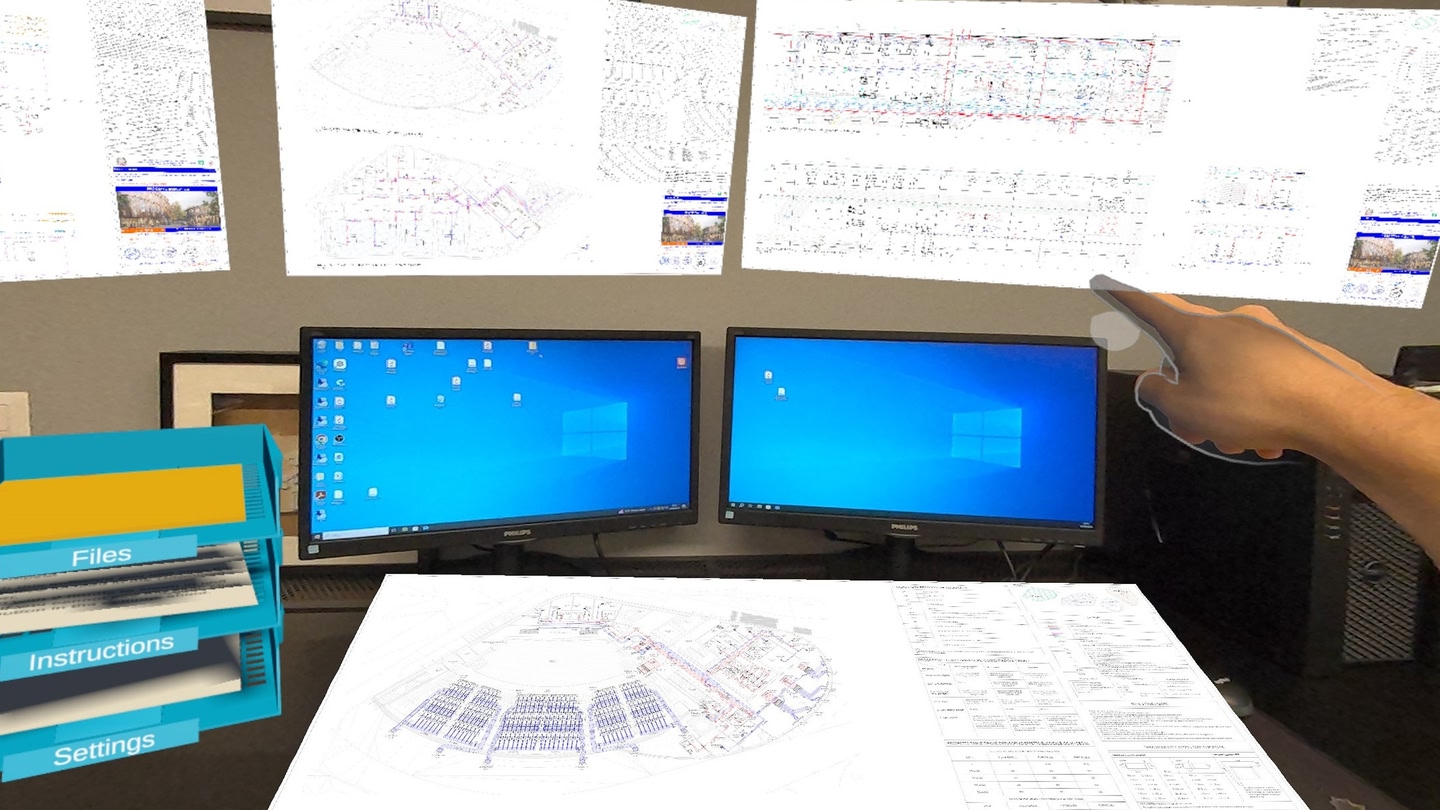
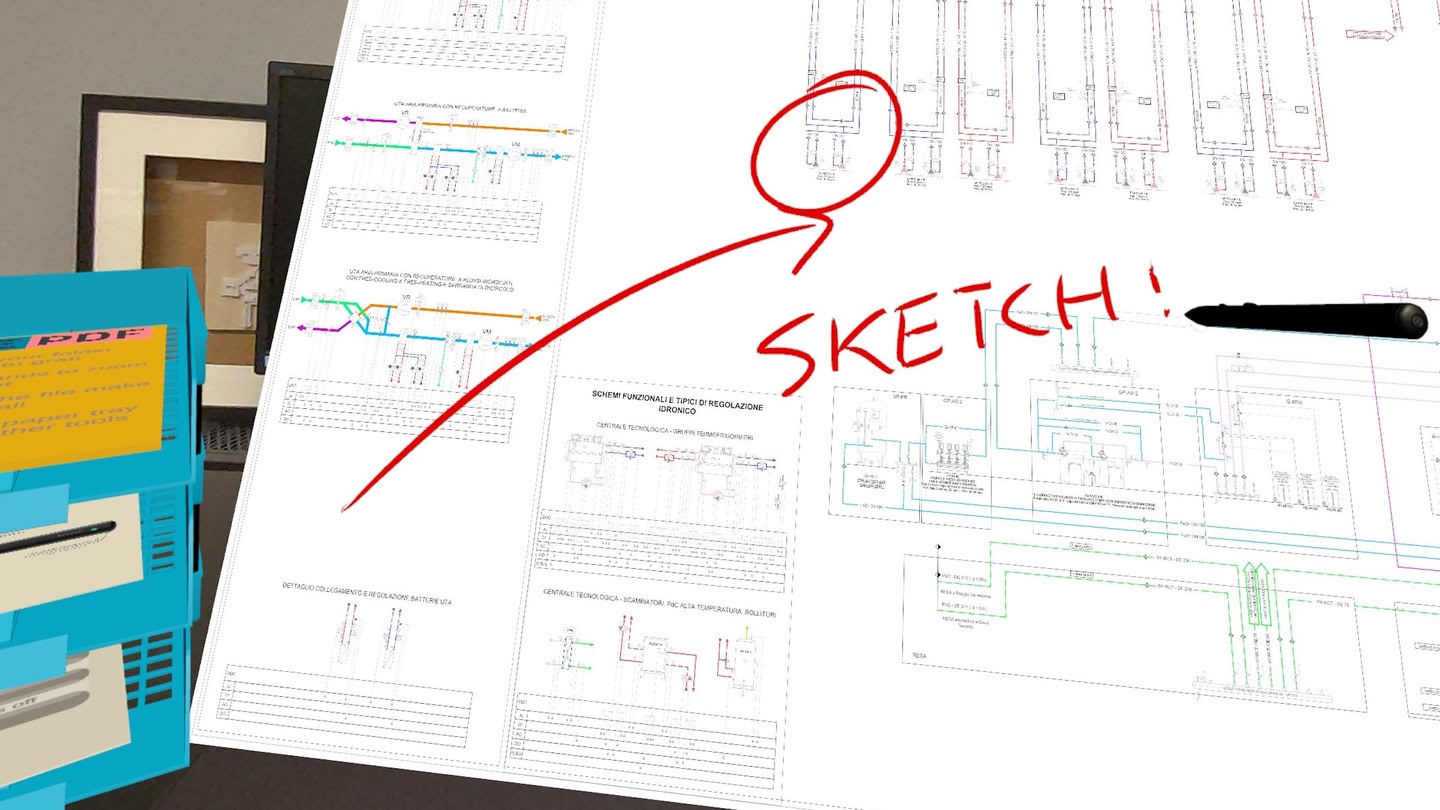
Mixed reality real-scale PDF Viewer (with passthrough)

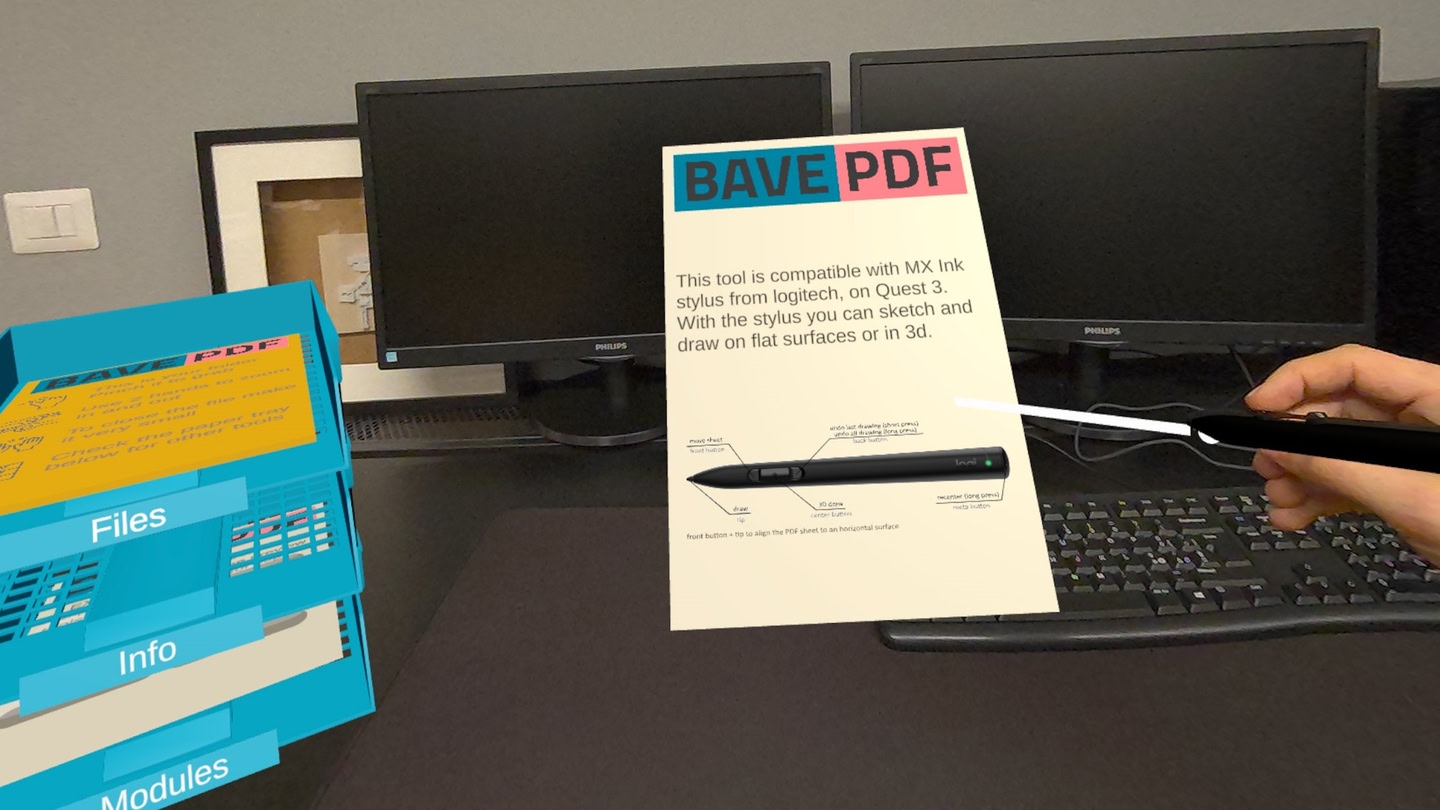
View yor PDF documents (A4-A0) in actual size using mixed reality passthrough. Ideal for architects, engineers, and creatives that wants to reduce printings and save paper. Supports for controllers, hand tracking, and Logitech MX Ink Stylus.

Getting Started:

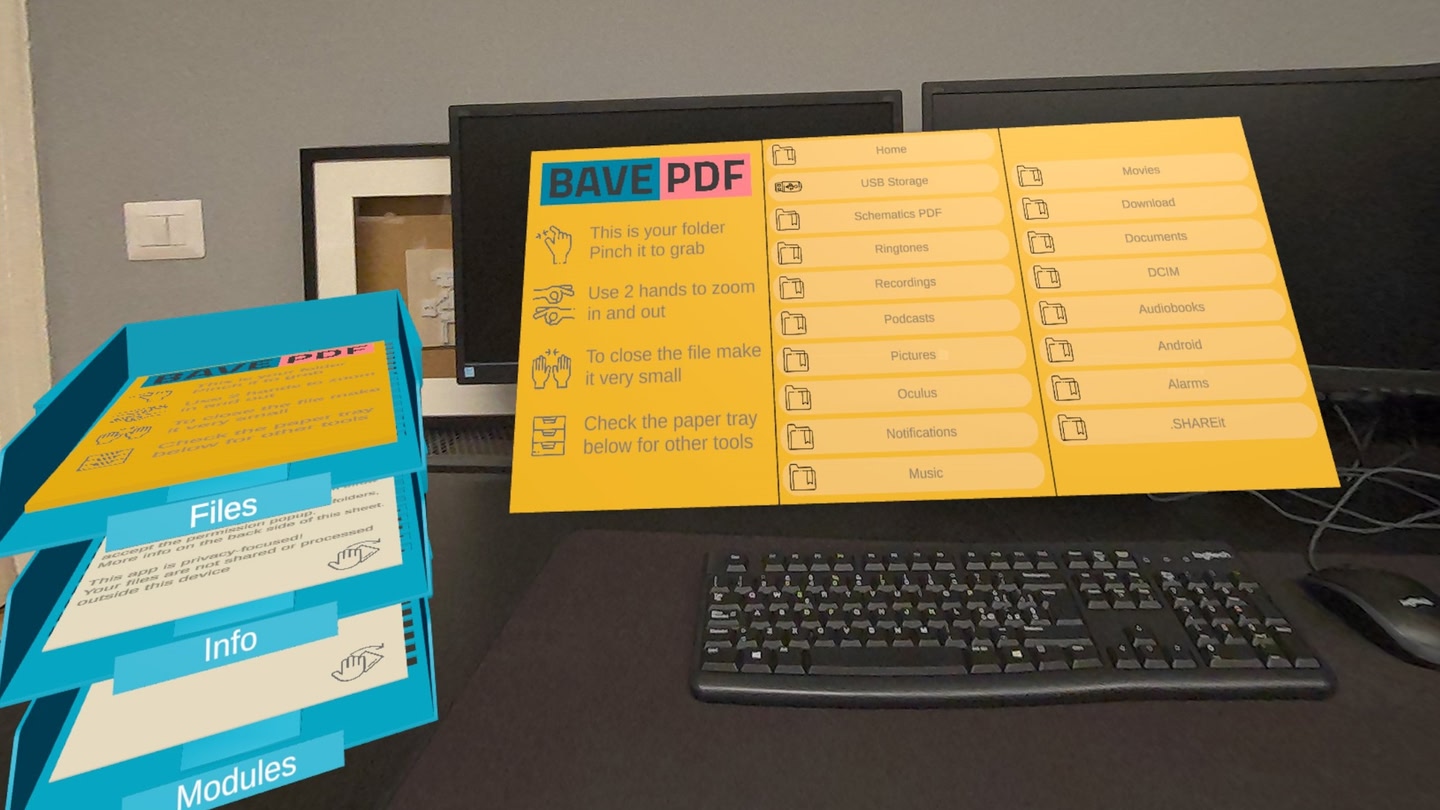
1. Load PDFs: Use the headset browser, PC USB transfer, connect a USB drive storage, or try the new cloud transfer (currently in closed beta).

2. Open Files: Use the left-hand menu/icon or grab the yellow sheet.

3. Annotate: View, draw & save ink comments on PDFs (free preview module). Enhanced with pressure-sensitive MX Ink.

Compatibility & Features:

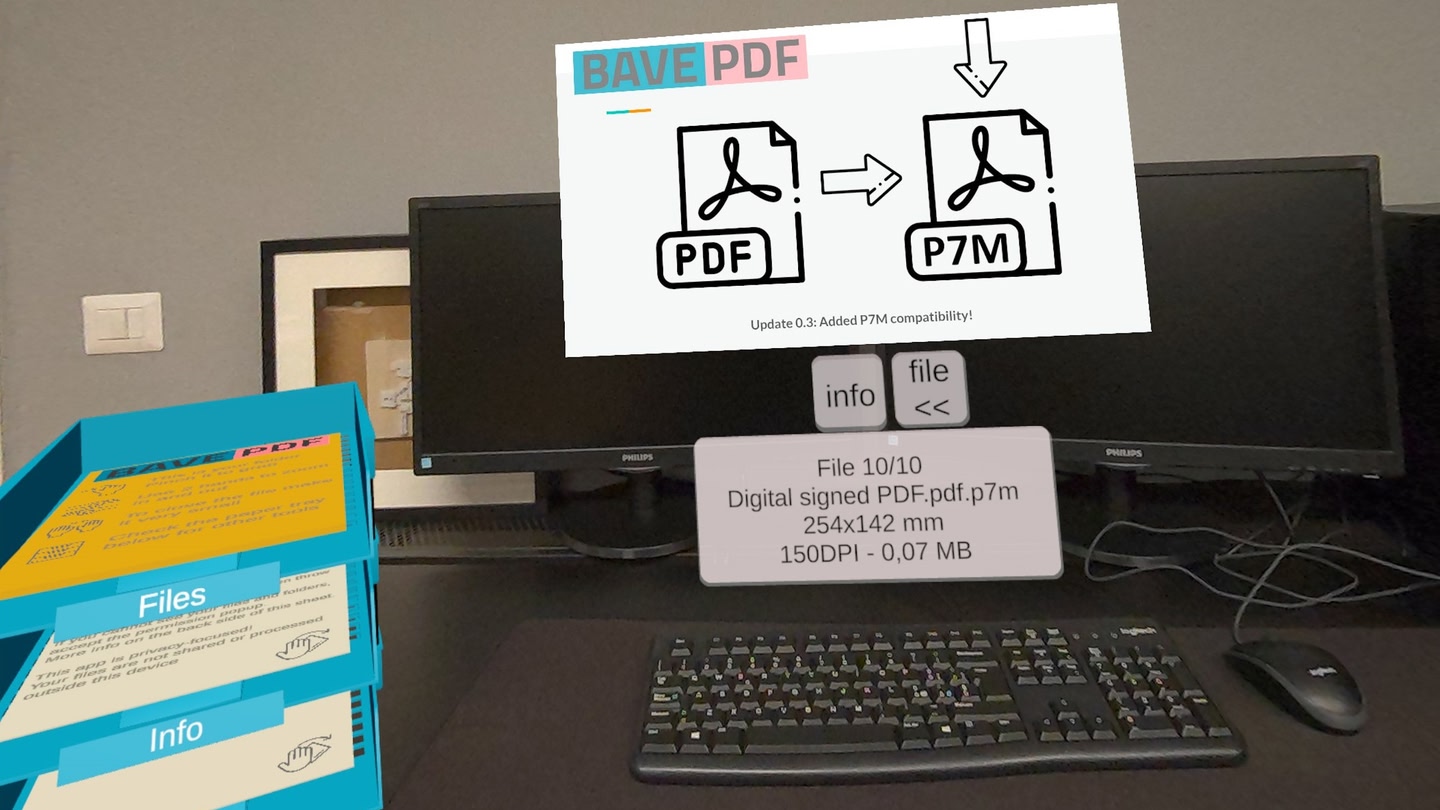
  • Reads: Standard PDF, signed .P7M,
  • Reads: Comic books in CBR/.CBZ (free beta preview)
  • PDF Annotaions: View, draw and save INK annotations
  • Kiosk Mode: Showcase specific files locking the app functionalities (free preview)
  • Add-ons: Expand features like multi-file viewing (sold separately).
  • USB OTG Storage: Read the files from a connected USB storage device
  • Cloud transfer: upload PDF from a webpage (free closed beta)

Important Info:

  • Limitations: No encrypted, password, or FileOpen DRM PDFs
  • Privacy First: Files stay local. No cloud processing, no account needed.
  • Permissions: Grant file access on first launch (use settings button if missed).
  • Kiosk mode To exit the kiosk mode, click the controller thumbstiks.
  • Development: App is evolving, feedback welcome!
  • Support: Issues? Contact www.bave.info.

What players say

3.3 from 18 ratings on the Meta Quest Store

Wow, still has bugs but wow

Brings a new view on reading PDFs needs an app exit and trash can.

Blue32Dec 20244 found this helpful

Mixed Reality PDF viewer

Great things already for an app in development, exactly what I was looking for. Opens a PDF file and displays it as an interactive sheet in mixed reality. Much more pleasurable to read than on an iPad, great for textbooks and scientific papers.


nbshannonSep 20244 found this helpful
See all reviews on the Meta Quest Store →

Details

Developer
Release date
September 14, 2024
Genre
Computer Link
Category
APPS
Modes
Single User
Play area
Sitting, Standing, Room-scale
Comfort
Comfortable for most
Age rating
Everyone
Headsets
Quest 3S, Quest 3, Quest Pro, Quest 2
Controllers
Touch Controllers, Hand Tracking
Hand tracking
✓ Supported
Languages
English
Internet
Not required
Ratings
★ 3.3 (18 reviews)
Download size
265 MB
Version
0.5.2
In-app purchases
No
In-app ads
No