

The Meta Quest Sale - October 2026 is live507 games up to -90% · ends in 4 daysSee deals →
OVR Metrics Tool
Utilities

OVR Metrics Tool

by Oculus
★★★★★3.3529 reviews
⚡ Quest 3S · Quest 3 · Quest Pro · Quest 2
ComfortNot rated
ModesSingle User
Play areaSitting, Standing
Size12 MB
In-app purchasesNone
LanguagesEnglish

About this game

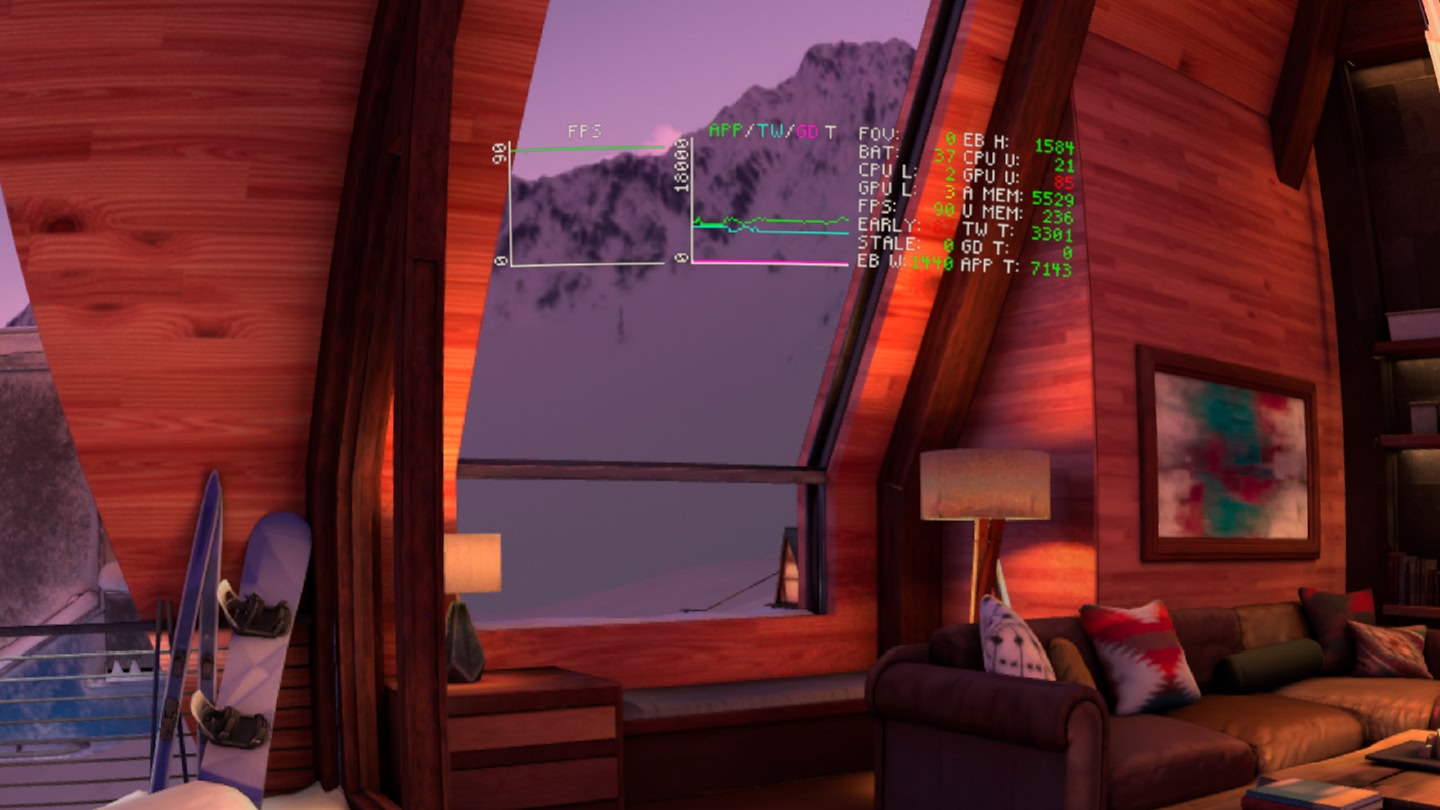
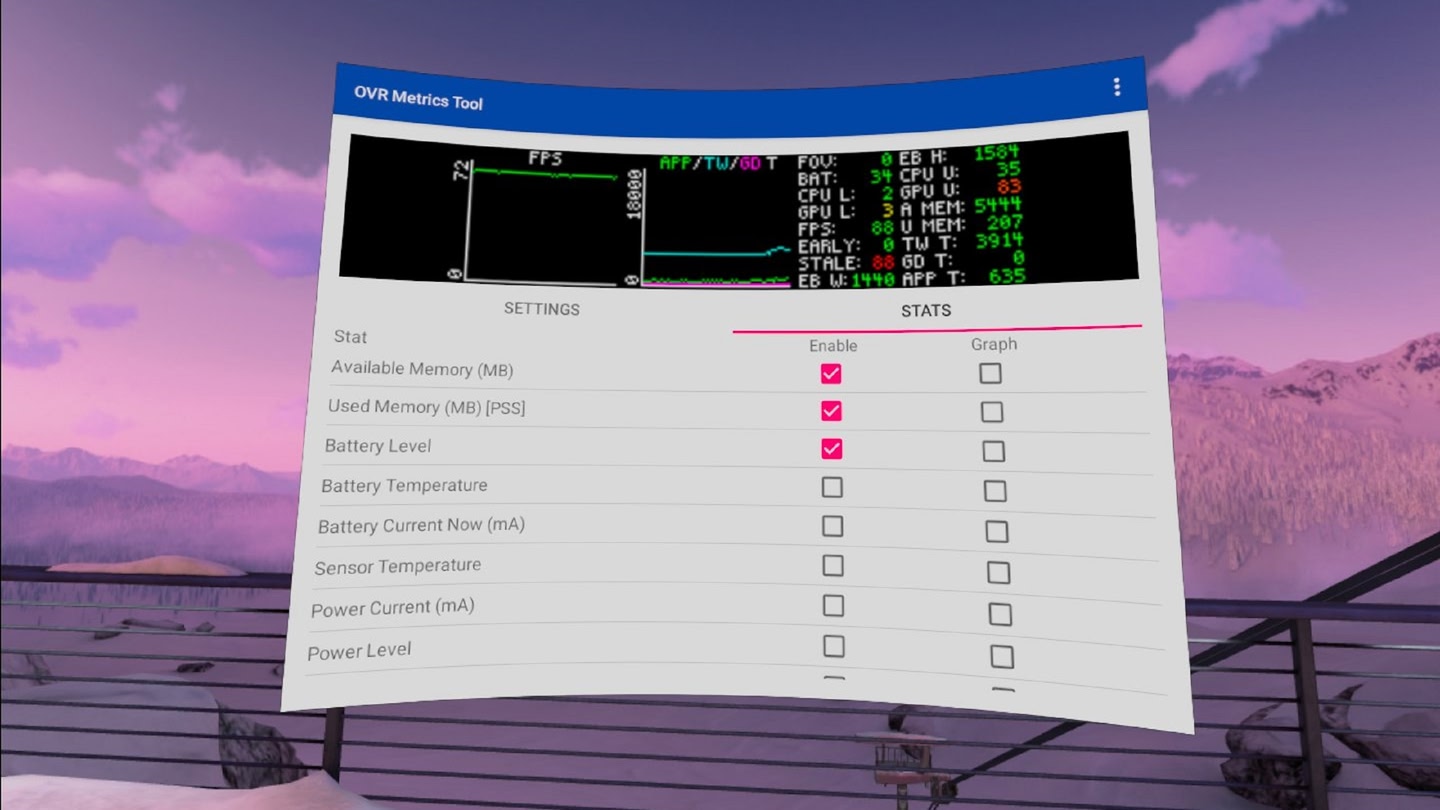
OVR Metrics Tool provides performance metrics for Oculus mobile applications, including frame rate, heat, GPU and CPU throttling values, and the number of tears and stale frames per second.

In Report Mode, the tool displays a performance report about a VR session after it has concluded. Report data can be easily exported as a CSV with PNG graphs. In Performance HUD Mode, OVR Metrics Tool provides performance graphs over running Oculus applications as a HUD overlay.

OVR Metrics Tool may be used with any Oculus mobile application, including those built with Unity, Unreal, or our native mobile SDK.

For more information, see OVR Metrics Tool in our Mobile SDK Developer Guide.

What players say

3.3 from 529 ratings on the Meta Quest Store

NOT a virus. (read for fixes)

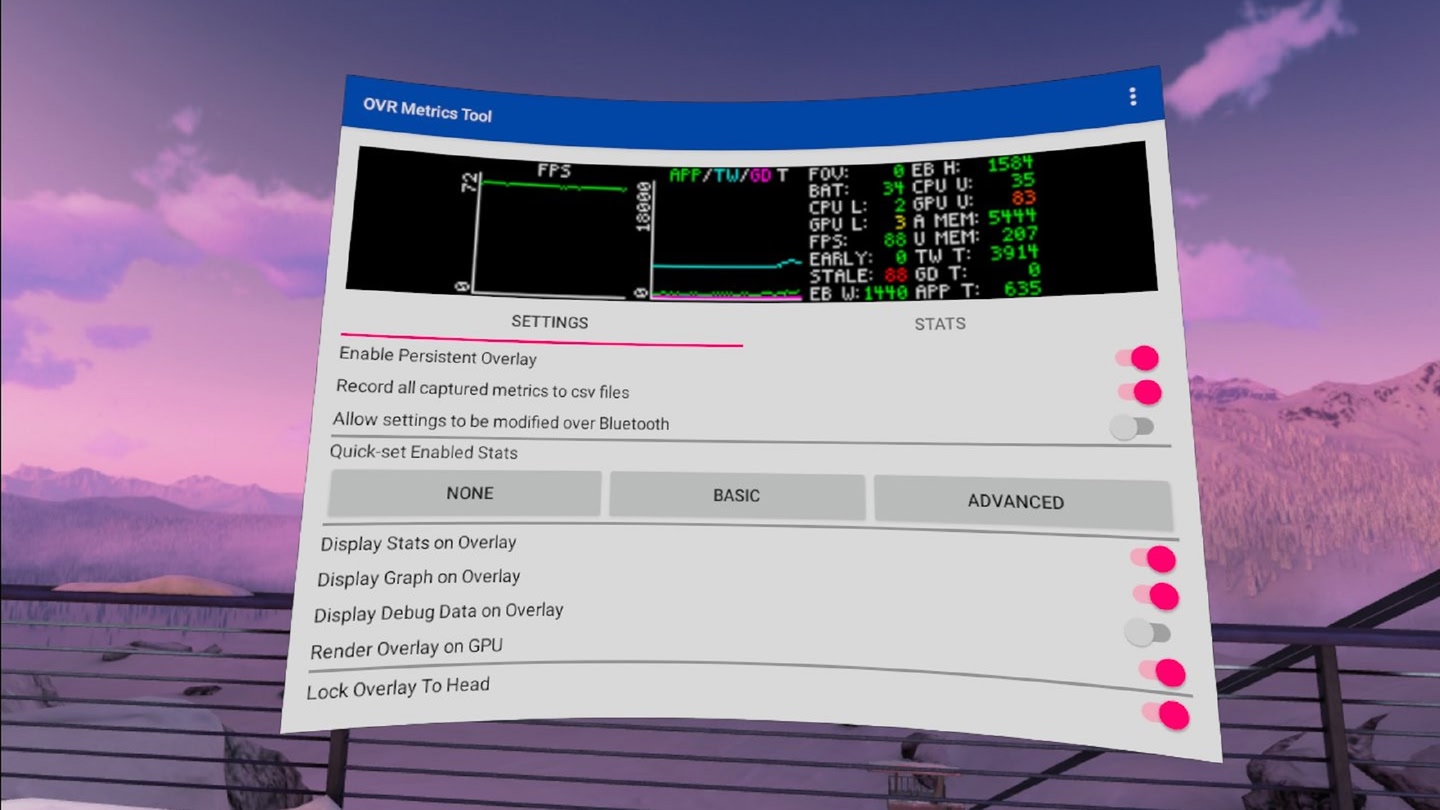
Lots of people are calling this a virus because the overlay won't go away even after they uninstall the app. To make the overlay go away you need to go inside the app and at the top in settings it should say "enable persistent overlay" all you need to do is disable it and that'll turn off…
sarducciJul 202636 found this helpful

Very good, Does what it's meant to

I don't know what all of the little gorilla tag are saying here This is actually a good application. I've used this for years now and it has always worked without a doubt On multiple headsets without making me notice Anything unusual. Sometimes the measurements are inaccurate if you're…

Lukas_9168Aug 20264 found this helpful
Critical review

It's great but...

You cannot remove an app from your library it will just be stuck with you forever and it drains your battery and it heats your headset a bit more and It messed around with your headset and removes stuff from your headset and there's a chance of breaking or bricking your headset(really…

Yellow_nerd1Jul 202633 found this helpful
See all reviews on the Meta Quest Store →

Details

Developer
Publisher
Release date
–
Genre
Utilities
Category
APPS
Modes
Single User
Play area
Sitting, Standing
Comfort
Not rated
Age rating
Everyone
Headsets
Quest 3S, Quest 3, Quest Pro, Quest 2
Controllers
Touch Controllers
Hand tracking
–
Languages
English
Internet
Not required
Ratings
★ 3.3 (529 reviews)
Download size
12 MB
Version
88.0.0.1.0
In-app purchases
No
In-app ads
No

Frequently asked questions

OVR Metrics Tool is completely free on the Meta Horizon Store: download it to your headset and play, no purchase needed.

OVR Metrics Tool officially supports: Quest 3S, Quest 3, Quest Pro, Quest 2. Headset support is set by the developer, as listed on the official store.

OVR Metrics Tool is a single-player experience (single user).

OVR Metrics Tool is rated Not rated on the official store.

OVR Metrics Tool is rated Everyone on the official Meta store. Age ratings matter especially for online multiplayer titles, where voice chat is open.

OVR Metrics Tool holds a 3.3 / 5 average from 529 player ratings on the official Meta store, a solid sample of the player base.