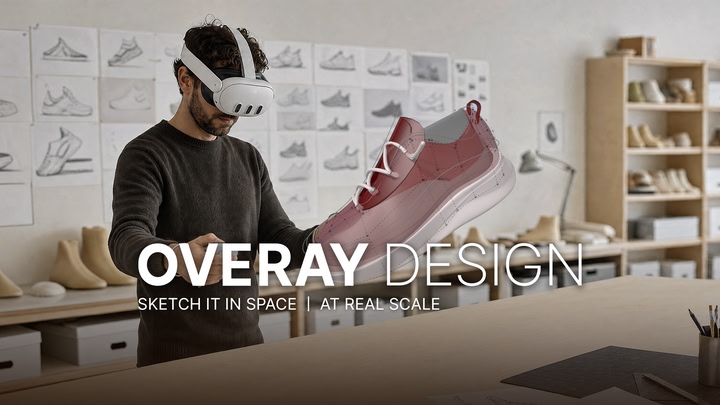
Draw a Line. Pull It Into a Shape. At Real Scale.
Model in 3D with your hands, in your own space.
Sketch a curve, turn it into a surface, then walk around it at real scale.
- ✅ Free demo — standalone on your headset
- ✏️ Curve, surface and shape tools
- 📏 Real-scale modeling in passthrough
—
Quick Links
📖Guide: design.overay.com/demo | 📢discord: design.overay.com/discord
—
✏️ From Sketch to Solid Form
Draw freehand or point by point, then shape the model itself.
- Curve, Surface, Shape and Paint tools
- Move control points, extrude a face, add thickness
- Mirror, Soft Selection, Loop Selection
—
📐 Free-Hand, Still Accurate
Work plane and 3D grid snapping, axis handles, and layers to keep your model organized.
—
🪟 Your Room Is the Workspace
Turn on passthrough and build around the real objects in front of you.
Measure against them, then adjust the light to see how the form sits in the space.
—
🚀 Draw. Shape. See It for Real.
1. Put the shape in the air in front of you, straight out of your head
2. Work it until the form reads right from every side
3. Stand it up in your room, at the size it will actually be
Closer to building than drawing.
📖Guide: design.overay.com/demo
—
💬 It’s a Demo. Tell Us What You Think.
Modeling is fully available and your work is saved on the headset.
Import / Export, Live Collaboration and web sharing come with the full version.
📢discord: design.overay.com/discord