

Home /Computer Link /Meta Quest HDMI Link
Meta Quest HDMI Link
Computer LinkUtilities

Meta Quest HDMI Link

by Meta Platforms, Inc. · Released August 15, 2024
★★★★★3.0396 reviews
Quest 3S · Quest 3 · Quest Pro · Quest 2

About this game

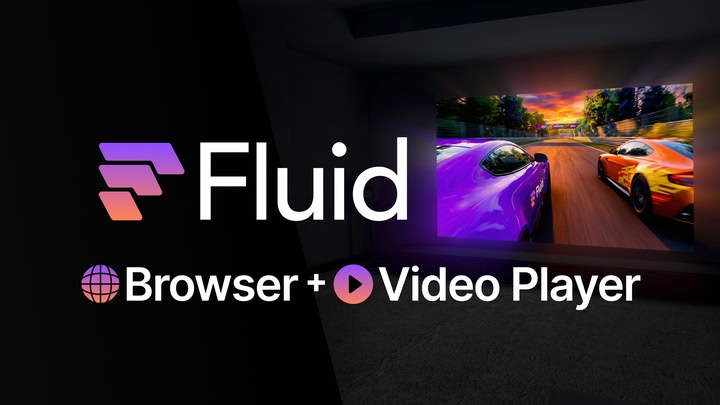
Connect your Meta Quest headset to devices with an HDMI or DisplayPort output, including handheld PCs or consoles, laptops, and more.

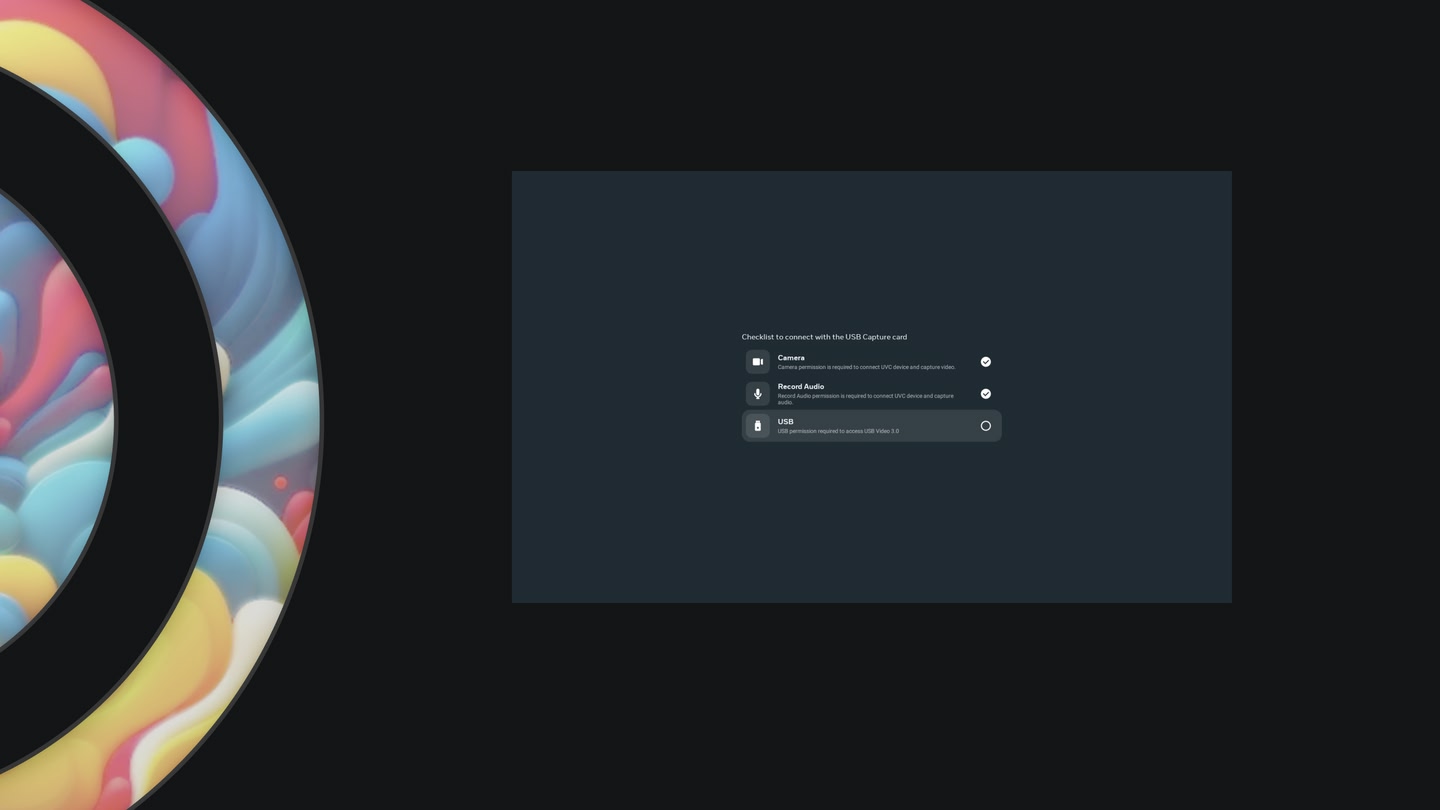
This app requires third-party hardware—specifically, a UVC and UAC compatible USB capture card and any associated cables. For a high-quality streaming experience, please ensure that the capture card and other USB adapters and cables are rated for USB 3.0 SuperSpeed.

Features

  • Auto launch app when a USB card is detected.
  • Menu setting to control capture video format, frame resolution, and fps for each connected session.
  • The screen is freely resizable, within certain limits.
  • Toggle instant streaming stats by clicking anywhere on the screen.

FAQs

How do I troubleshoot a blank screen? Why can’t I play movies from streaming services? I hear only audio?

  • Capture cards do not display video if the HDMI signal has HDCP protection enabled.
  • Make sure you are using the correct input port if your capture card has multiple HDMI/DisplayPort ports.

How to troubleshoot low video frames rate?

Ensure the instant stats overlay in the streaming screen displays SuperSpeed to confirm USB 3.0 speed, rather than Hi-Speed (USB 2.0 speed).

  • Not all USB-C cables are created equal. Some USB-C cables are rated for USB 2.0 speed.
  • Some USB-C cables operate at USB 3.0 or USB 2.0 depending on the orientation of the connector; flipping the USB-C cable upside down may resolve the low fps issue.
  • Change capture video frame format menu setting to match the fps offered by the capture card.

Details

Developer
Release date
August 15, 2024
Genre
Computer Link, Utilities
Category
APPS
Modes
Single User
Play area
Sitting, Standing, Room-scale
Comfort
Comfortable for most
Age rating
Everyone
Headsets
Quest 3S, Quest 3, Quest Pro, Quest 2
Controllers
Touch Controllers, Hand Tracking
Hand tracking
✓ Supported
Languages
English
Internet
Not required
Ratings
★ 3.0 (396 reviews)
Download size
20 MB
Version
207.0.0.0.76
In-app purchases
No
In-app ads
No

Frequently asked questions

How much does Meta Quest HDMI Link cost?

Meta Quest HDMI Link is completely free on the Meta Horizon Store: download it to your headset and play, no purchase needed.

Does Meta Quest HDMI Link work on Quest 3, Quest 3S or Quest 2?

Meta Quest HDMI Link officially supports: Quest 3S, Quest 3, Quest Pro, Quest 2. Headset support is set by the developer, as listed on the official store.

Is Meta Quest HDMI Link multiplayer or single player?

Meta Quest HDMI Link is a single-player experience (single user).

Is Meta Quest HDMI Link comfortable for VR beginners?

Meta Quest HDMI Link is rated Comfortable by the official store: minimal artificial movement, a great pick for VR newcomers.

What is the age rating for Meta Quest HDMI Link?

Meta Quest HDMI Link is rated Everyone on the official Meta store. Age ratings matter especially for online multiplayer titles, where voice chat is open.

Is Meta Quest HDMI Link any good? What do players think?

Meta Quest HDMI Link holds a 3.0 / 5 average from 396 player ratings on the official Meta store, a solid sample of the player base.

When did Meta Quest HDMI Link come out?

Meta Quest HDMI Link was released on August 15, 2024, published by Meta Platforms, Inc..