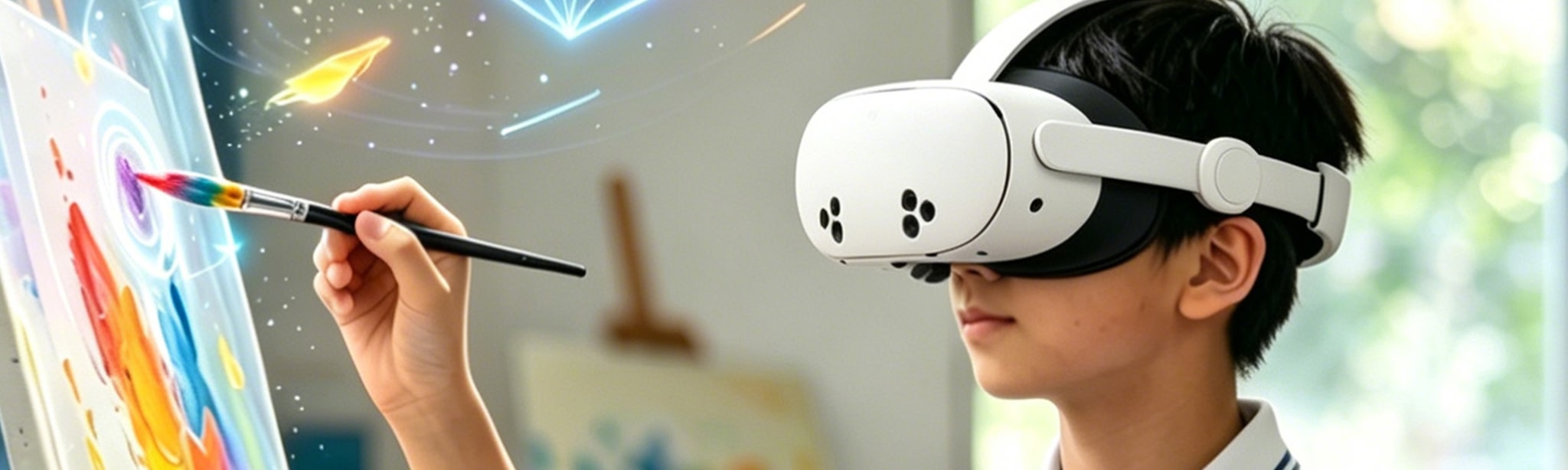
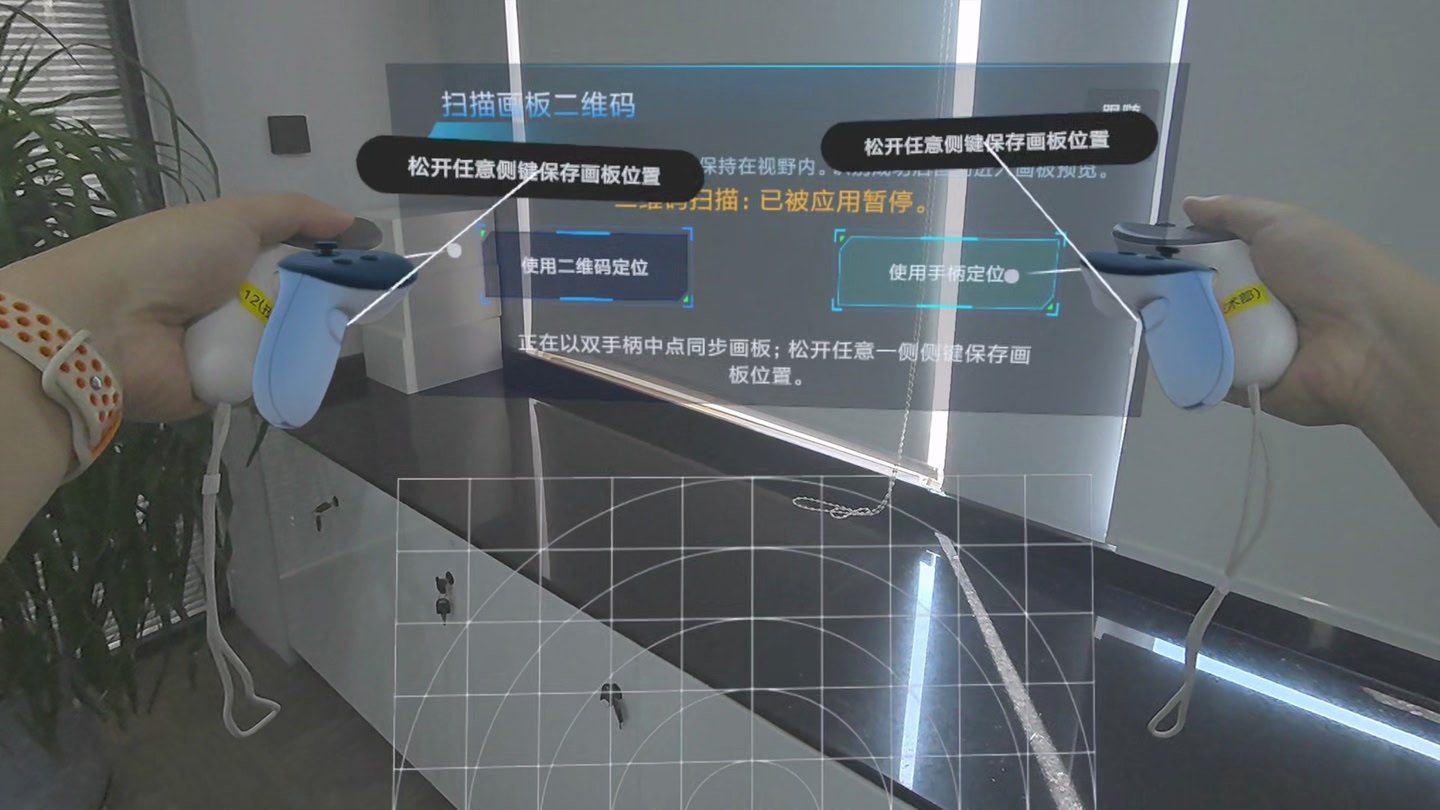
About this game
Details
Developer
Publisher
Release date
August 12, 2026
Genre
Hands-On Training
Category
APPS
Modes
Single User
Play area
Standing, Room-scale, Sitting
Comfort
Comfortable for most
Age rating
Everyone
Headsets
Quest Pro, Quest 3S, Quest 3
Controllers
Hand Tracking, Touch Controllers
Hand tracking
✓ Supported
Languages
Chinese (China)
Internet
Required
Ratings
–
Download size
259 MB
Version
1.0.1
In-app purchases
No
In-app ads
No
Website
Similar games

Frequently asked questions
How much does JR_MRDrawingBoard cost?
JR_MRDrawingBoard is completely free on the Meta Horizon Store: download it to your headset and play, no purchase needed.
Does JR_MRDrawingBoard work on Quest 3, Quest 3S or Quest 2?
JR_MRDrawingBoard officially supports: Quest Pro, Quest 3S, Quest 3. Headset support is set by the developer, as listed on the official store.
Is JR_MRDrawingBoard multiplayer or single player?
JR_MRDrawingBoard is a single-player experience (single user).
Is JR_MRDrawingBoard comfortable for VR beginners?
JR_MRDrawingBoard is rated Comfortable by the official store: minimal artificial movement, a great pick for VR newcomers.
What is the age rating for JR_MRDrawingBoard?
JR_MRDrawingBoard is rated Everyone on the official Meta store. Age ratings matter especially for online multiplayer titles, where voice chat is open.
When did JR_MRDrawingBoard come out?
JR_MRDrawingBoard was released on August 12, 2026, published by 沈阳金冉科技.