
Home /Creativity /Draw 3D
Draw 3D
Creativity

Draw 3D

by IntrestingApps · Released June 15, 2023
★★★★★4.05 reviews
Quest 3S · Quest 3 · Quest Pro · Quest 2 · Quest 1

About this game

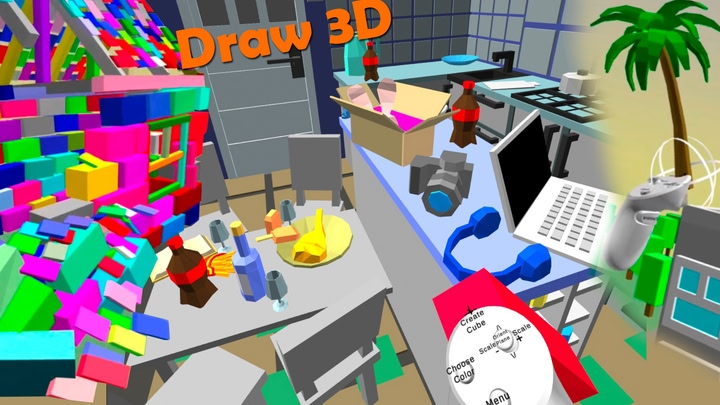
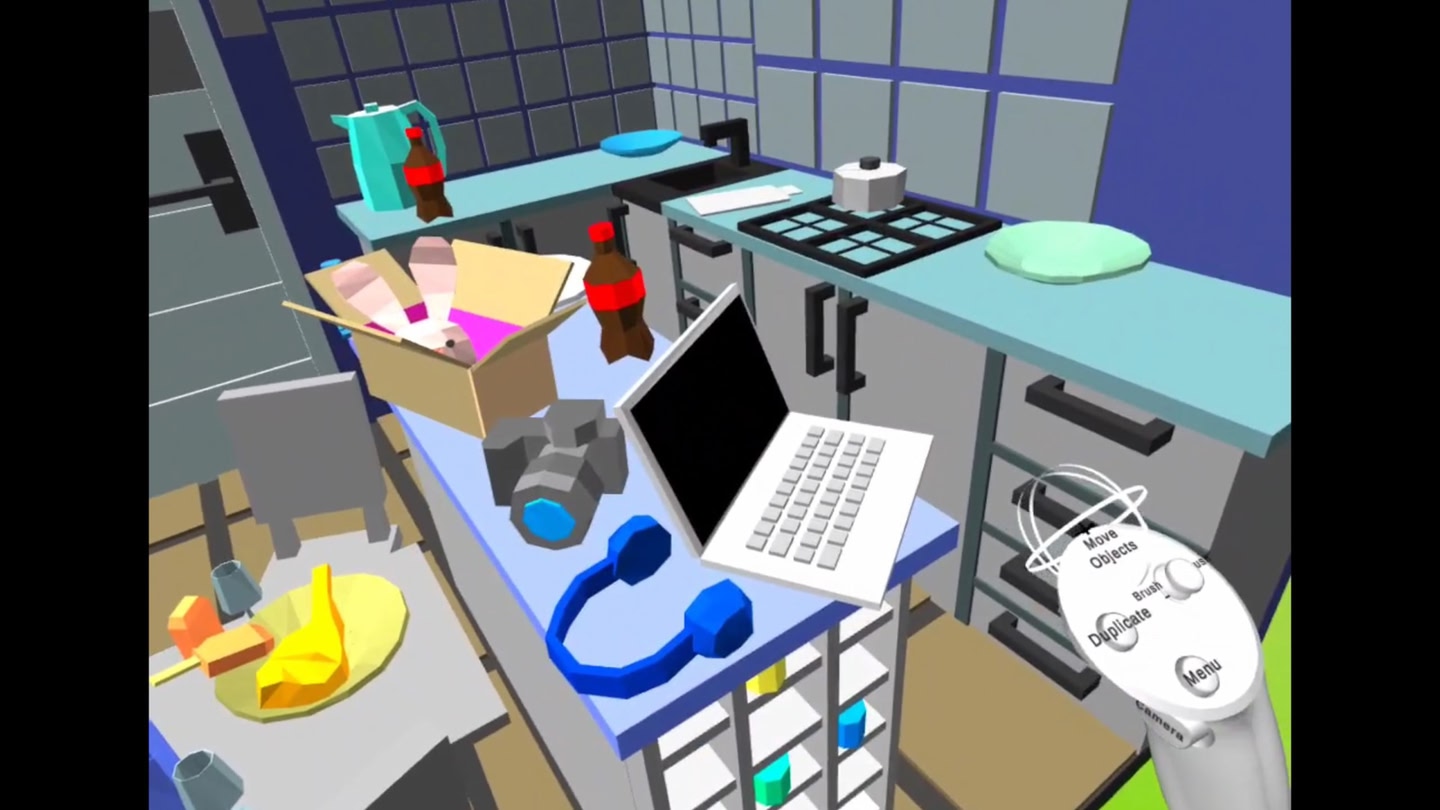
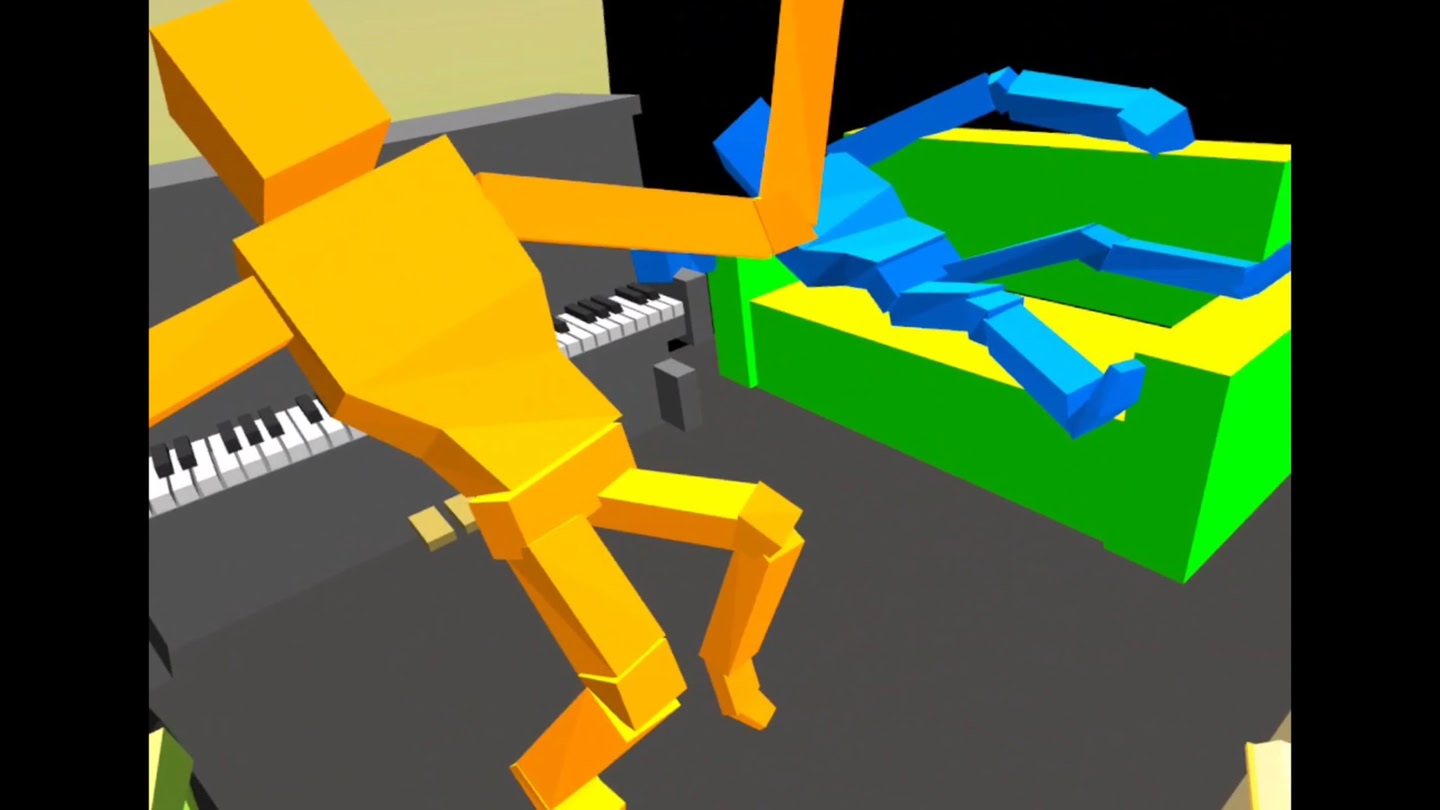
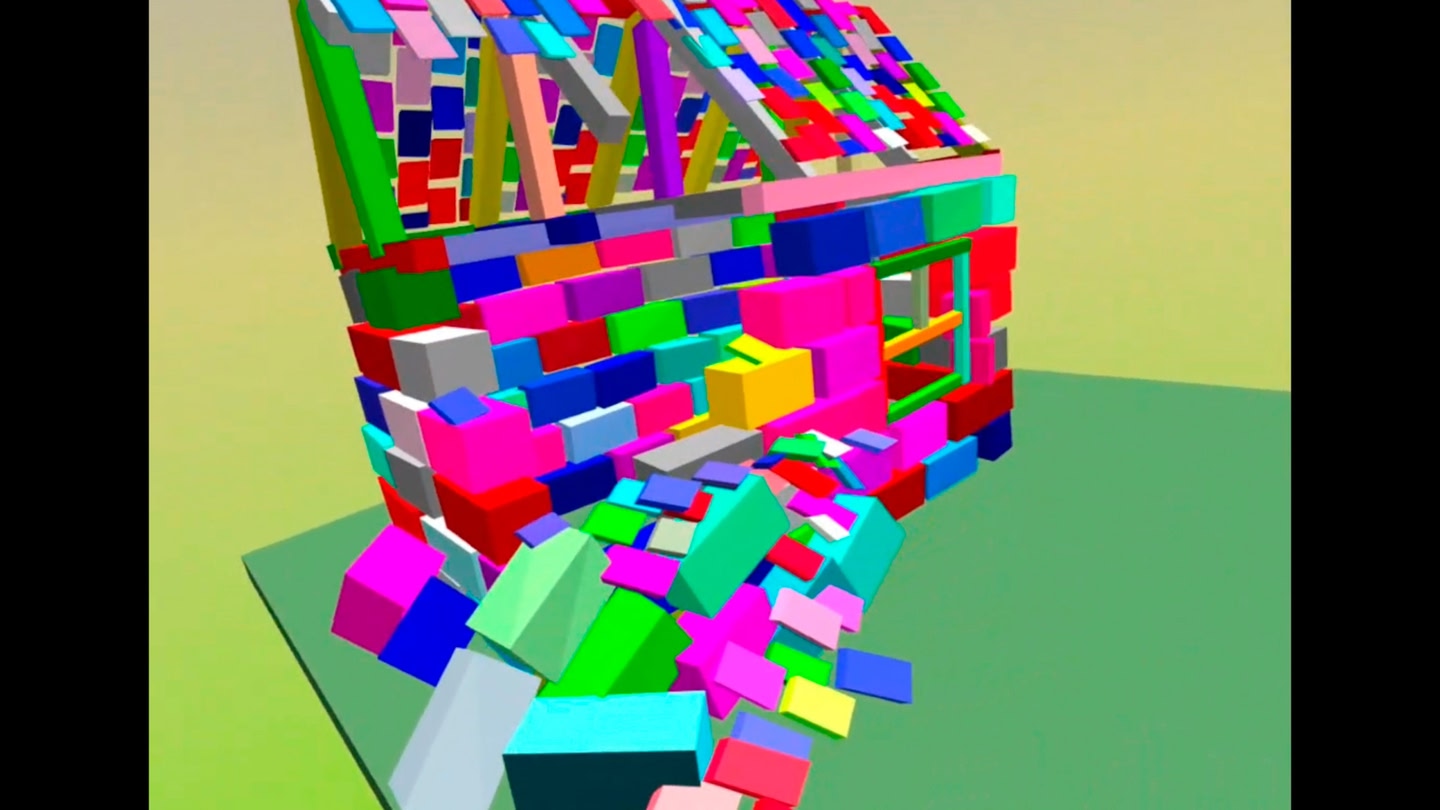
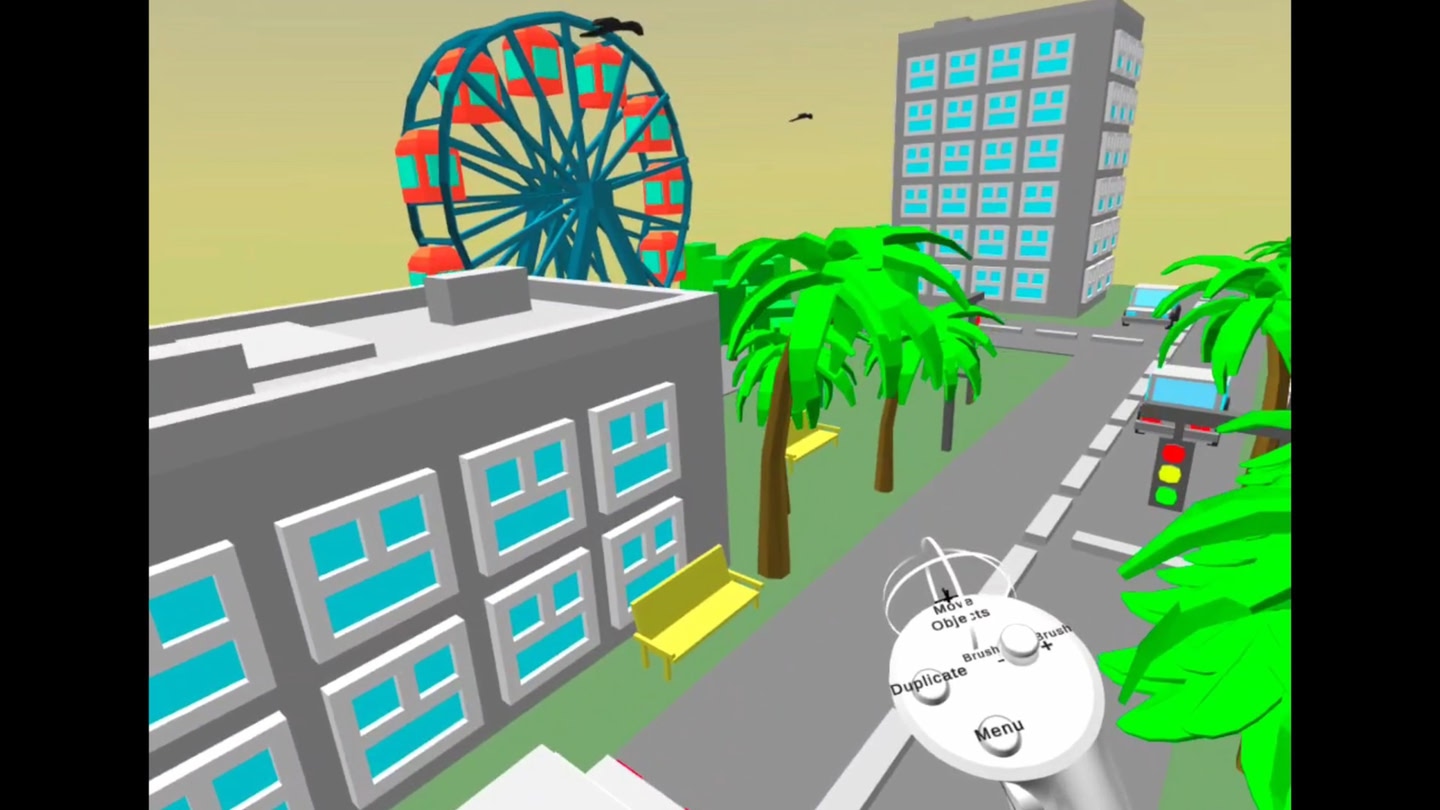
Draw many colorful cubes! Move vertices, faces, paint, duplicate, split, extrude and export to your computer! Very simple interface - just one menu with an additional submenu with snapping settings and file functions.

To import an obj file from a computer into Draw 3D - place the obj.obj file in the "sdcard/Android/data/com.IntrestingApps.draw3d/files" folder, then click the "Import .obj" button in the program interface.

Details

Developer
Release date
June 15, 2023
Genre
Creativity
Category
APPS
Modes
Single User
Play area
Sitting, Standing, Room-scale
Comfort
Not rated
Age rating
Everyone
Headsets
Quest 3S, Quest 3, Quest Pro, Quest 2, Quest 1
Controllers
Touch Controllers
Hand tracking
Languages
English
Internet
Not required
Ratings
★ 4.0 (5 reviews)
Download size
89 MB
Version
1.0
In-app purchases
No
In-app ads
No

Frequently asked questions

How much does Draw 3D cost?

Draw 3D is completely free on the Meta Horizon Store: download it to your headset and play, no purchase needed.

Does Draw 3D work on Quest 3, Quest 3S or Quest 2?

Draw 3D officially supports: Quest 3S, Quest 3, Quest Pro, Quest 2, Quest 1. Headset support is set by the developer, as listed on the official store.

Is Draw 3D multiplayer or single player?

Draw 3D is a single-player experience (single user).

Is Draw 3D comfortable for VR beginners?

Draw 3D is rated Not rated on the official store.

What is the age rating for Draw 3D?

Draw 3D is rated Everyone on the official Meta store. Age ratings matter especially for online multiplayer titles, where voice chat is open.

Is Draw 3D any good? What do players think?

Draw 3D holds a 4.0 / 5 average from 5 player ratings on the official Meta store, still a small sample, so read it as an early signal.

When did Draw 3D come out?

Draw 3D was released on June 15, 2023, published by IntrestingApps.