
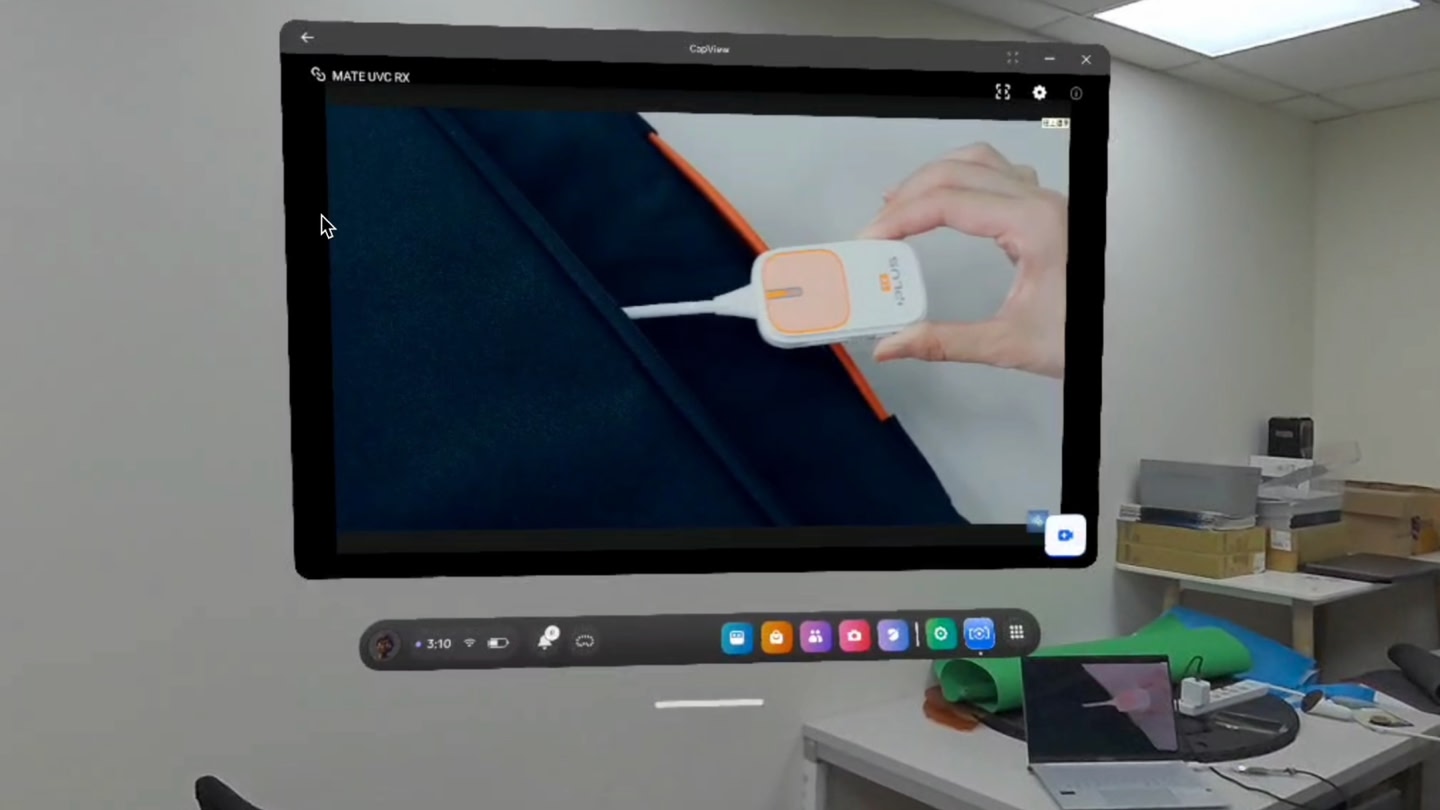
ComfortComfortable for most
ModesSingle User
Play areaSitting, Standing
Size15 MB
In-app purchasesNone
LanguagesEnglish
About this game
Details
Developer
Publisher
Release date
April 1, 2025
Genre
Computer Link
Category
APPS
Modes
Single User
Play area
Sitting, Standing
Comfort
Comfortable for most
Age rating
Everyone
Headsets
Quest 3S, Quest 3, Quest Pro, Quest 2
Controllers
Touch Controllers, Hand Tracking
Hand tracking
✓ Supported
Languages
English
Internet
Required
Ratings
★ 1.0 (1 reviews)
Download size
15 MB
Version
1.0.0.38
In-app purchases
No
In-app ads
No
Website
Similar games

WiVRn
WiVRn team
Free

AdGuard VPN
Adguard Software Limited
Free
-10%-10%-10%-10%-10%
Fluid Browser + Video Player
Fluid

Twinkle Video Player
Starkle Vision
Free
-10%-10%-10%-10%-10%
CYBIONYX InMotion
Kibioniks LLP

NEX 3D Video Player
NEX
Free