Home /Productivity /CAD2VR
CAD2VR
ProductivityCreativity

CAD2VR

by revis3d · Released November 25, 2024
Quest 3S · Quest 3 · Quest Pro · Quest 2

About this game

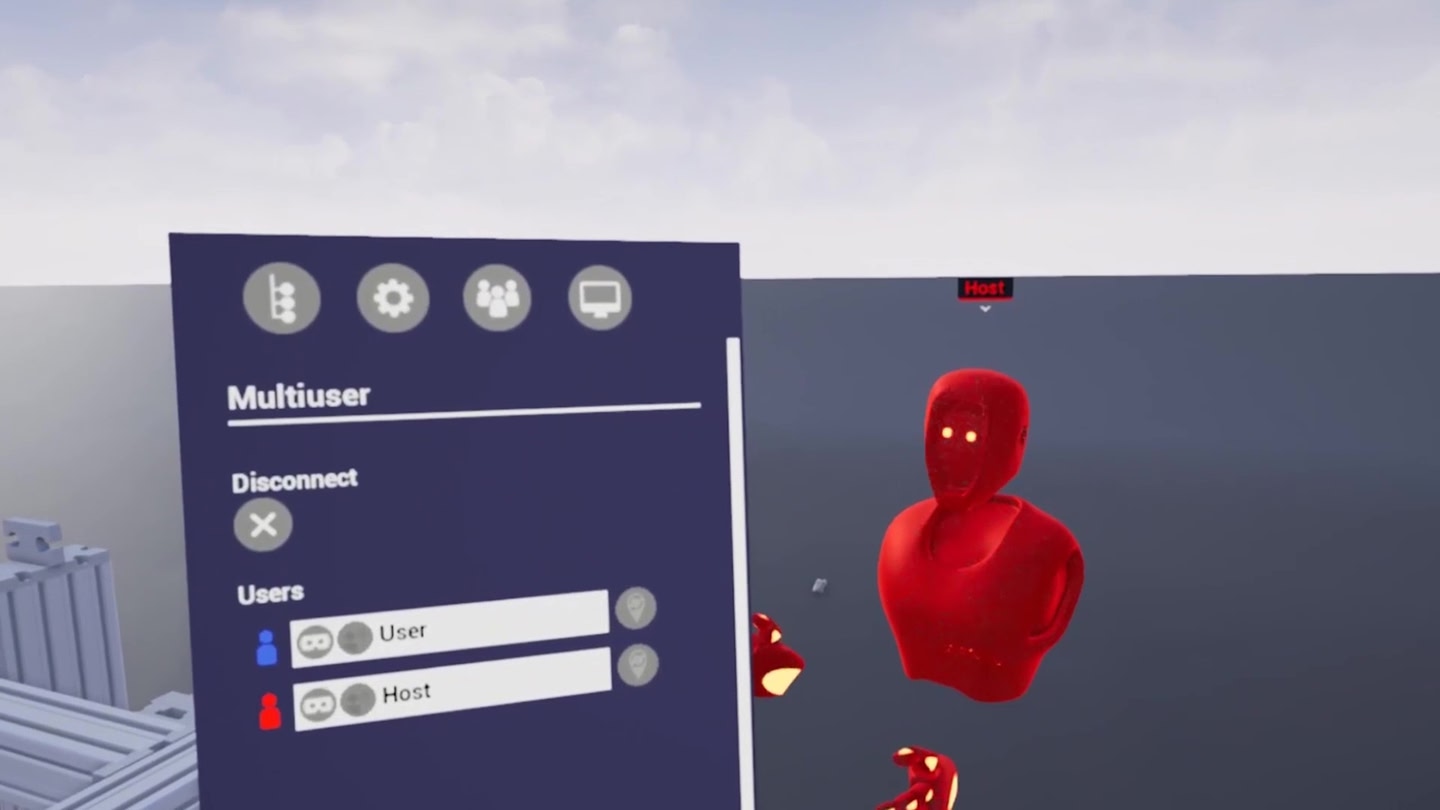
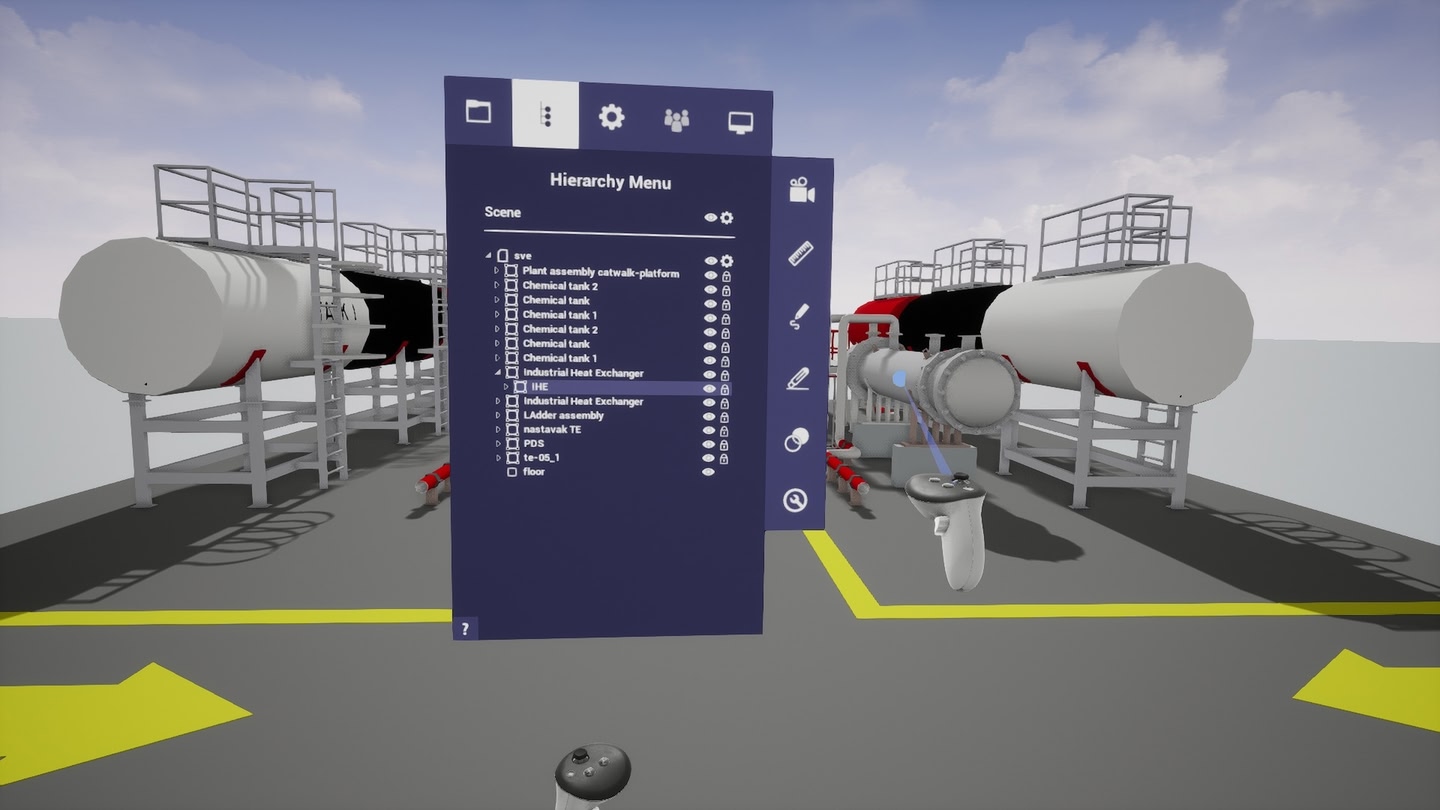
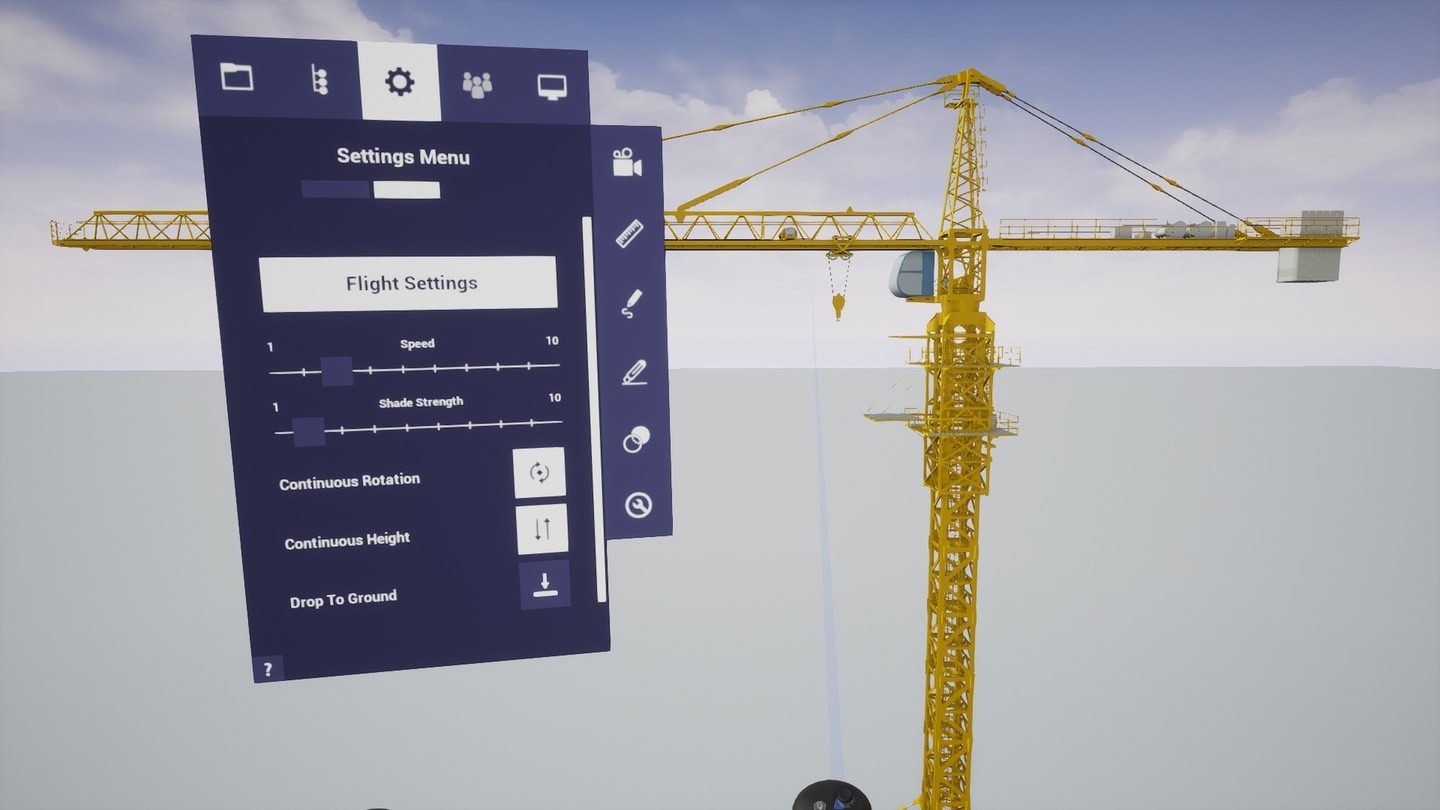
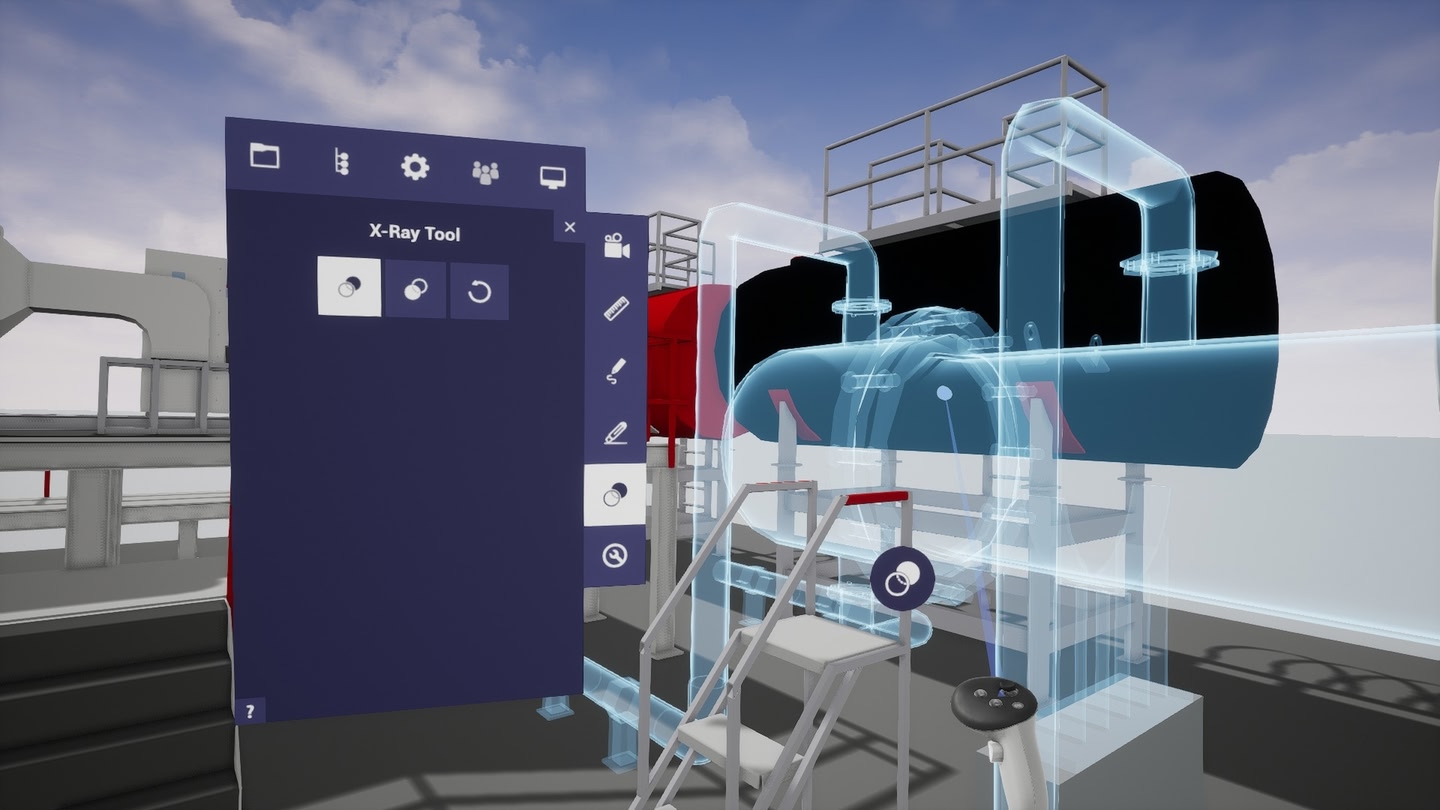
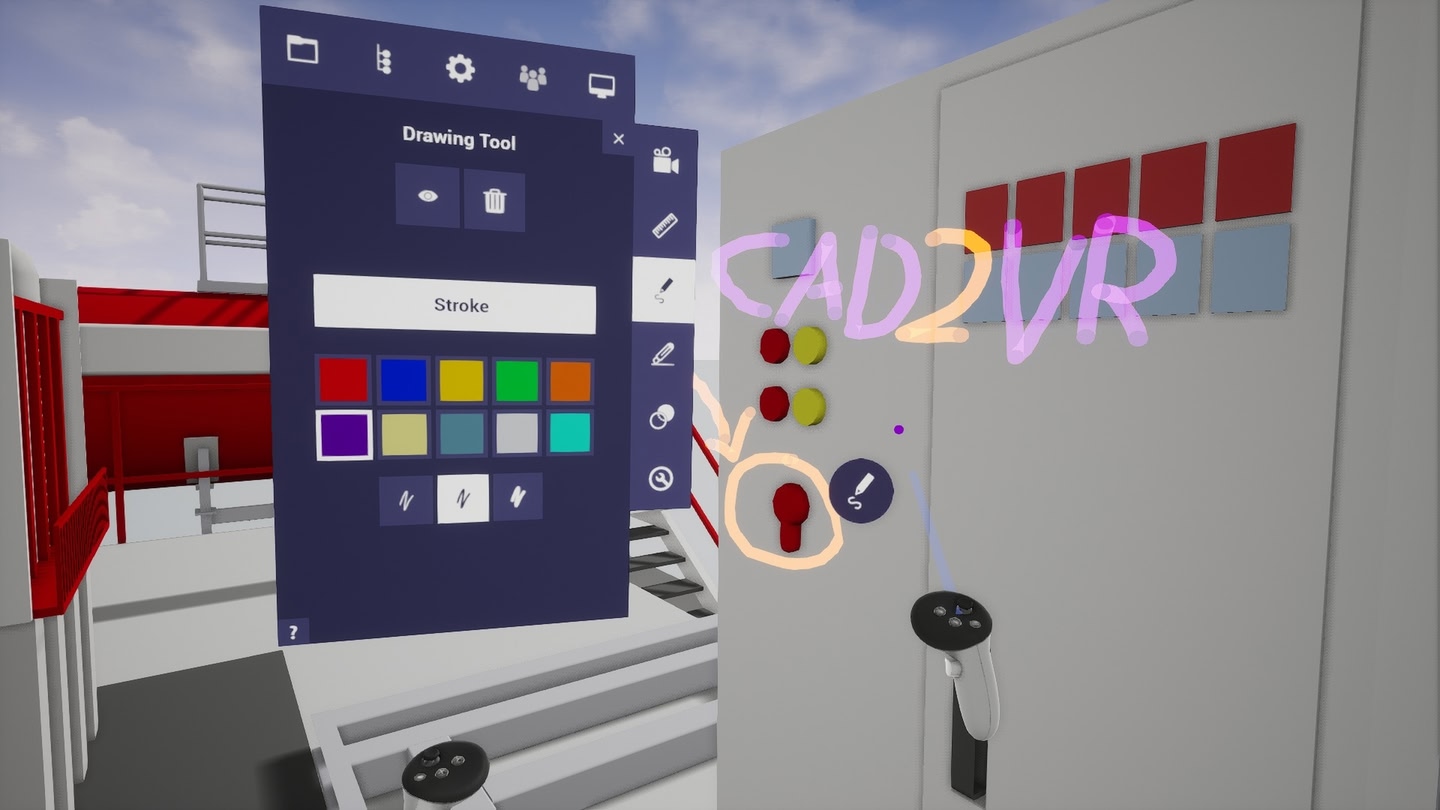
With CAD2VR®, you can easily explore your CAD models in VR together. Save on travel costs and invite your customers and staff across different locations to join VR remote meetings. Check ergonomics, identify errors at an early stage and discuss your designs efficiently in a virtual environment.

CAD2VR® is designed for simple and secure use. Use the CAD2VR® Standalone version for Meta Quest to enjoy wireless freedom and

maximum flexibility. Check out the Windows version, if you need more processing power and memory for large CAD models.

Details

Developer
Publisher
Release date
November 25, 2024
Genre
Productivity, Creativity
Category
APPS
Modes
Single User
Play area
Room-scale, Standing, Sitting
Comfort
Comfortable for most
Age rating
Everyone
Headsets
Quest 3S, Quest 3, Quest Pro, Quest 2
Controllers
Touch Controllers
Hand tracking
Languages
English
Internet
Not required
Ratings
Download size
423 MB
Version
1.0
In-app purchases
No
In-app ads
No

Frequently asked questions

How much does CAD2VR cost?

CAD2VR is completely free on the Meta Horizon Store: download it to your headset and play, no purchase needed.

Does CAD2VR work on Quest 3, Quest 3S or Quest 2?

CAD2VR officially supports: Quest 3S, Quest 3, Quest Pro, Quest 2. Headset support is set by the developer, as listed on the official store.

Is CAD2VR multiplayer or single player?

CAD2VR is a single-player experience (single user).

Is CAD2VR comfortable for VR beginners?

CAD2VR is rated Comfortable by the official store: minimal artificial movement, a great pick for VR newcomers.

What is the age rating for CAD2VR?

CAD2VR is rated Everyone on the official Meta store. Age ratings matter especially for online multiplayer titles, where voice chat is open.

When did CAD2VR come out?

CAD2VR was released on November 25, 2024, published by revis3d.