Critical review
Not able to read .pdf...
Installed the app to read a pdf... it does not work. App only wants me to input a mail address and password IN VR! 😂 Obviously they never even tried it themselves...
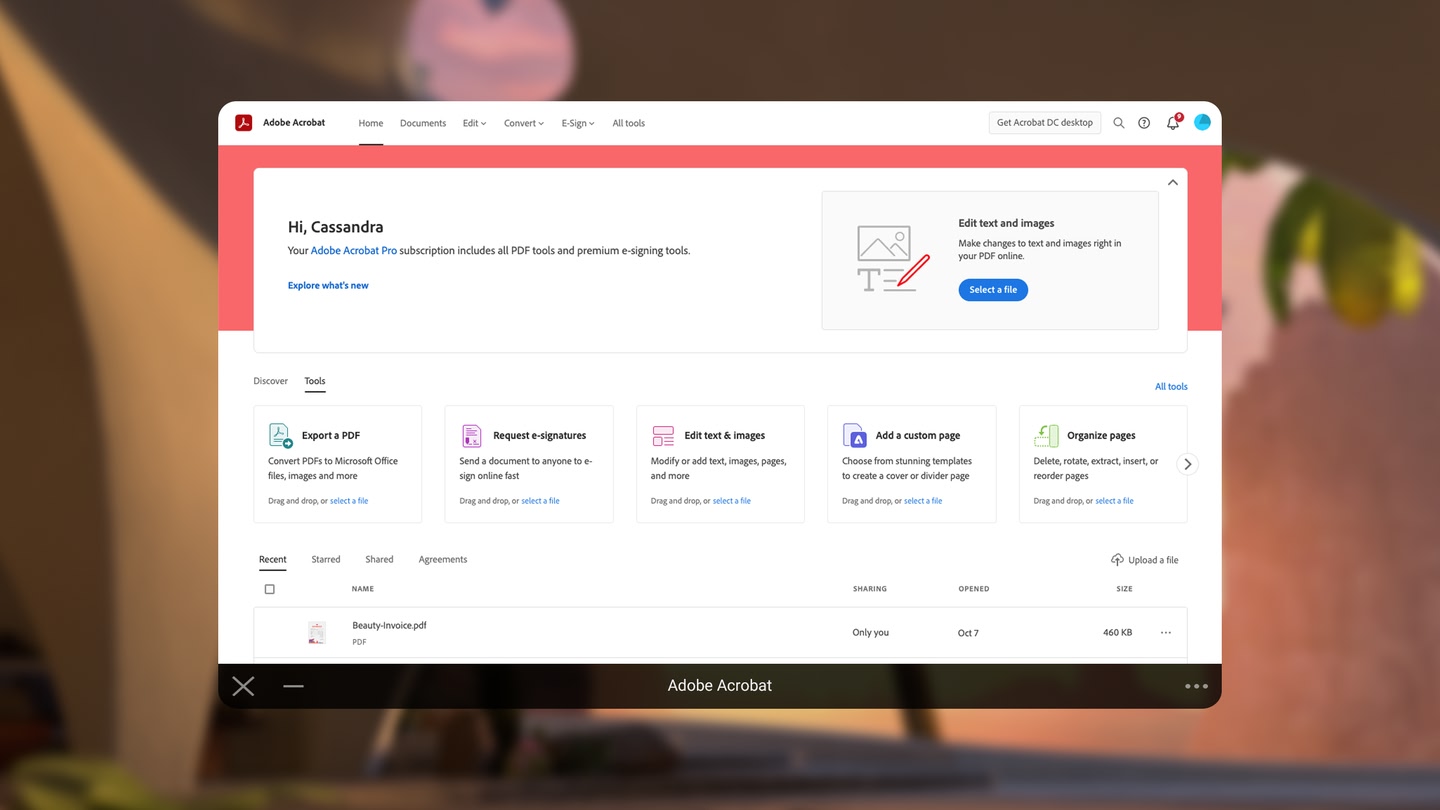

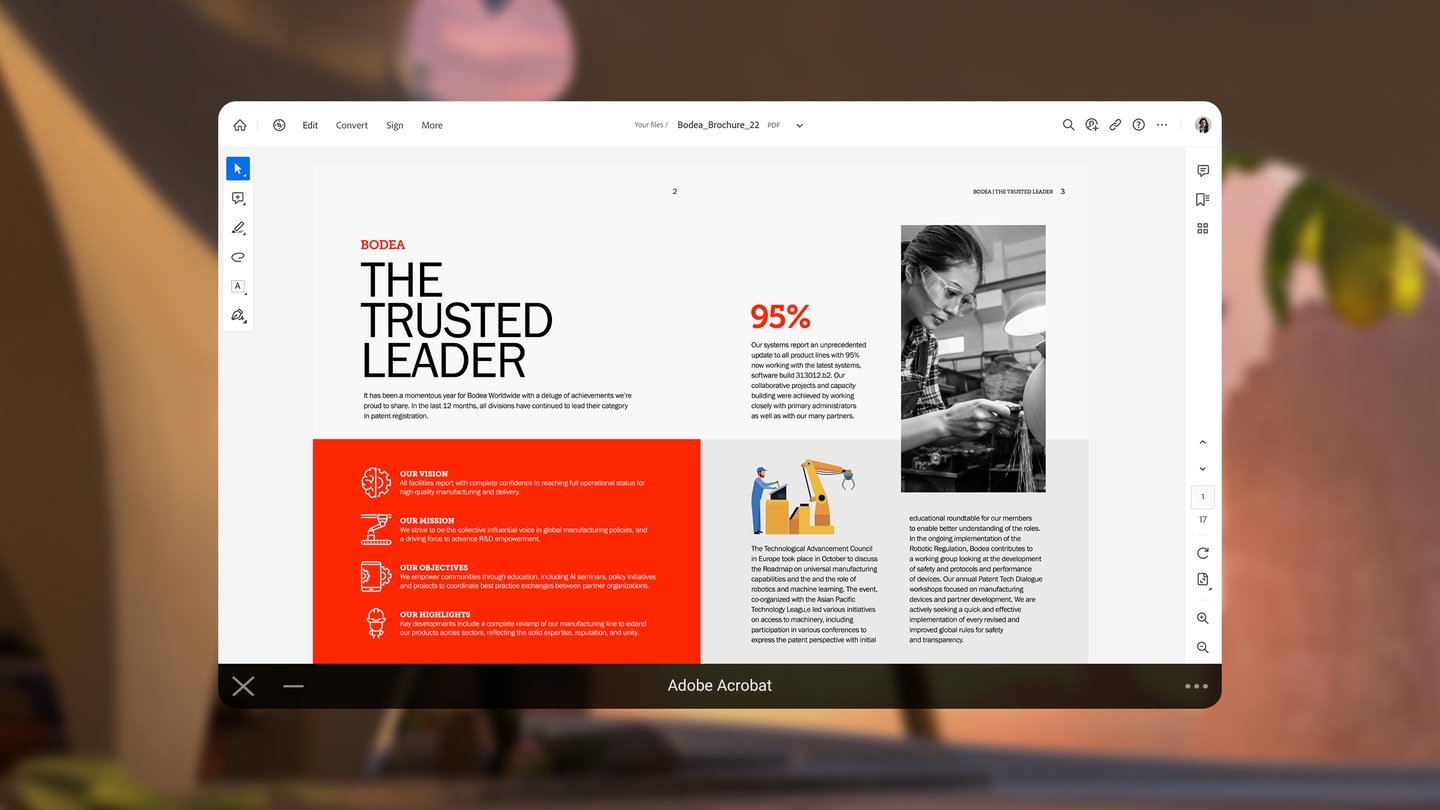
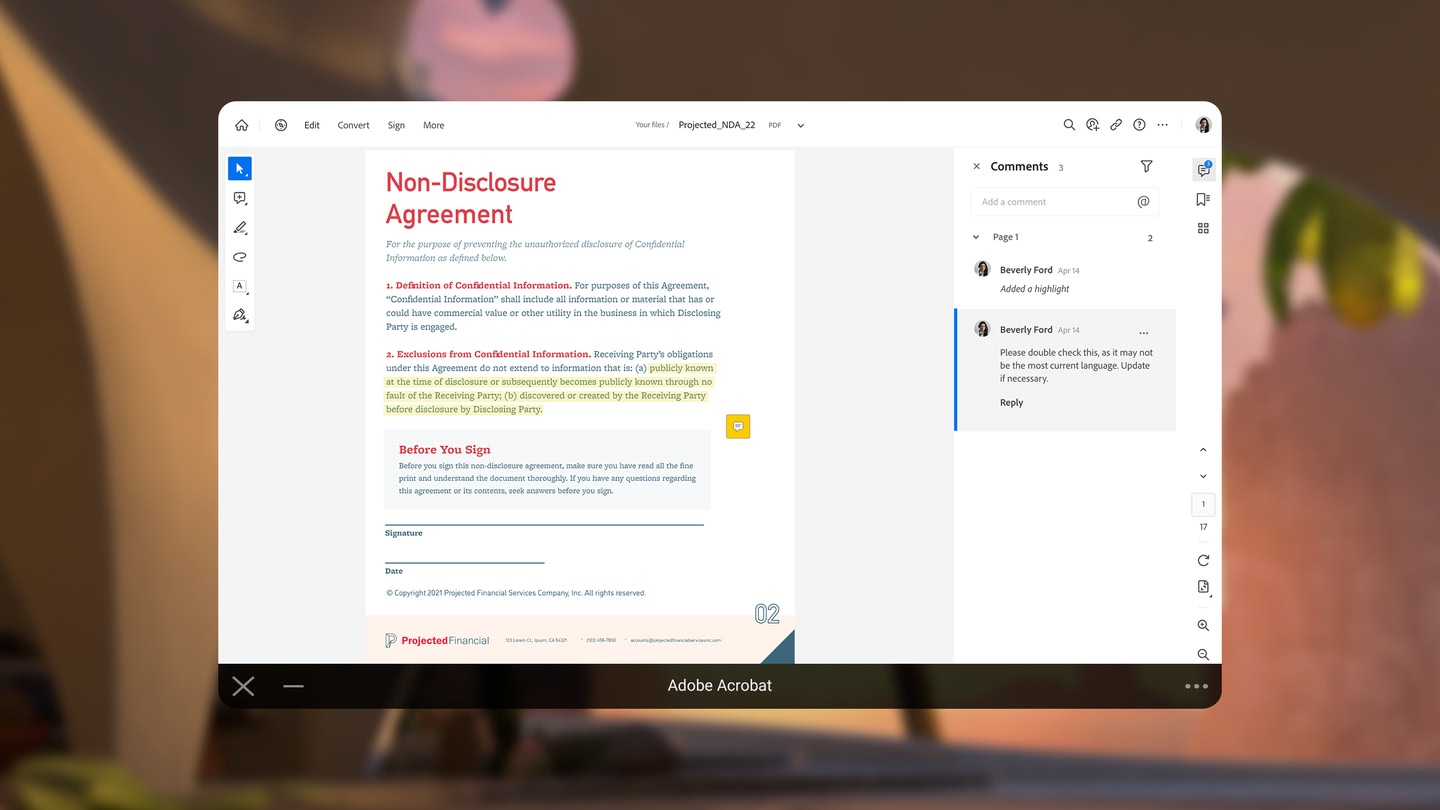
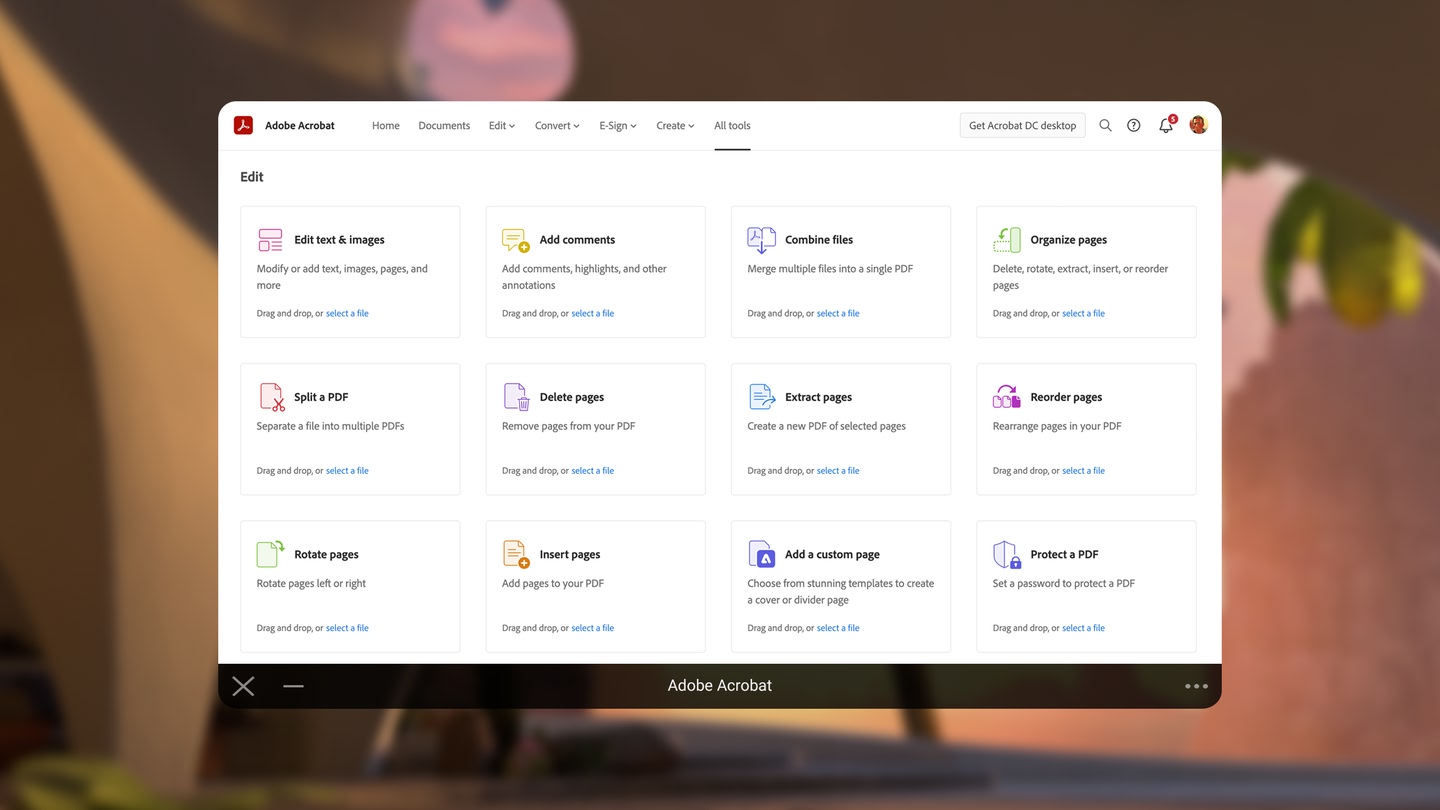
Installed the app to read a pdf... it does not work. App only wants me to input a mail address and password IN VR! 😂 Obviously they never even tried it themselves...
Can anyone tell me how to read a locally stored PDF, locally. That’s all I want. I don’t need all the online features of PDF editing. But credit where credit is due, those features seem pretty good this app. So I’ll give there stars. But no local display of local PDF. Whaaaat. So I can’t…
Doesn't open a pdf at all from browser downloads.
Adobe Acrobat is completely free on the Meta Horizon Store: download it to your headset and play, no purchase needed.
Adobe Acrobat officially supports: Quest 3S, Quest 3, Quest Pro, Quest 2, Quest 1. Headset support is set by the developer, as listed on the official store.
Adobe Acrobat is a single-player experience (single user).
Adobe Acrobat is rated Comfortable by the official store: minimal artificial movement, a great pick for VR newcomers.
Adobe Acrobat is rated Everyone on the official Meta store. Age ratings matter especially for online multiplayer titles, where voice chat is open.
Adobe Acrobat holds a 1.8 / 5 average from 64 player ratings on the official Meta store, still a small sample, so read it as an early signal.
Adobe Acrobat was released on October 11, 2022, published by Adobe Inc.