Home /Utilities /3D Screen Mirroring
3D Screen Mirroring
UtilitiesComputer Link

3D Screen Mirroring

by 3D Screen Mirroring · Released September 17, 2026
Quest 3S · Quest 3 · Quest Pro · Quest 2

About this game

Give your Mac screen room to grow.

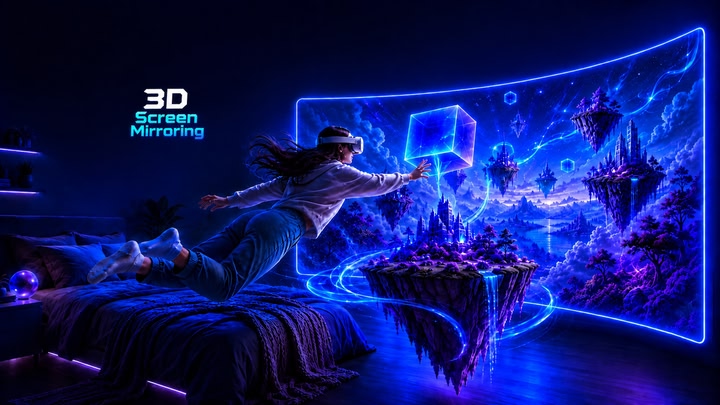
3D Screen Mirroring brings your Mac display into an immersive viewing space on Meta Quest. Settle in front of a large curved virtual screen, enjoy supported stereoscopic 3D content, and surround your screen with colorful ambient effects.

Make the experience yours:

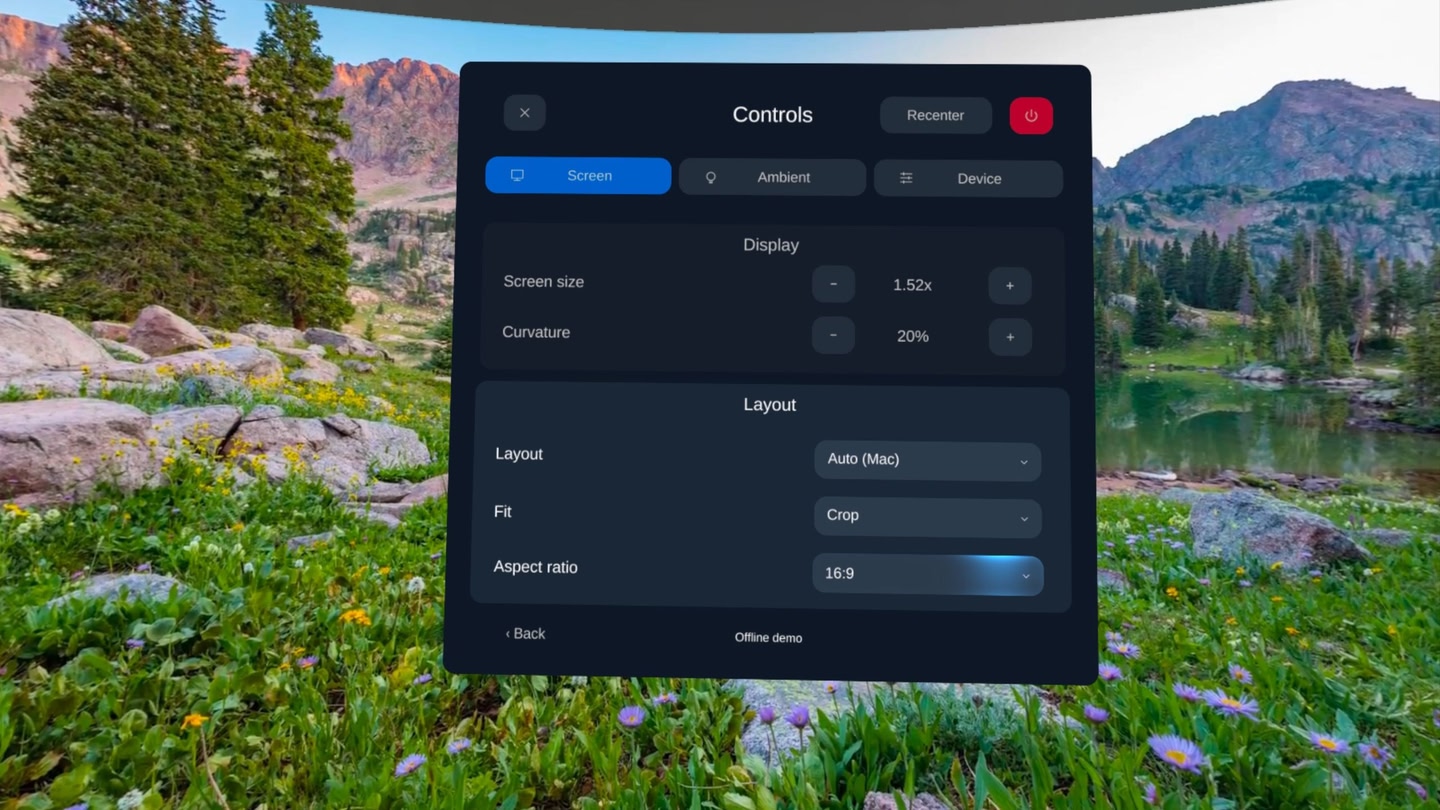
  • Adjust screen size and curvature for comfortable viewing.
  • Choose screen layouts and fit options.
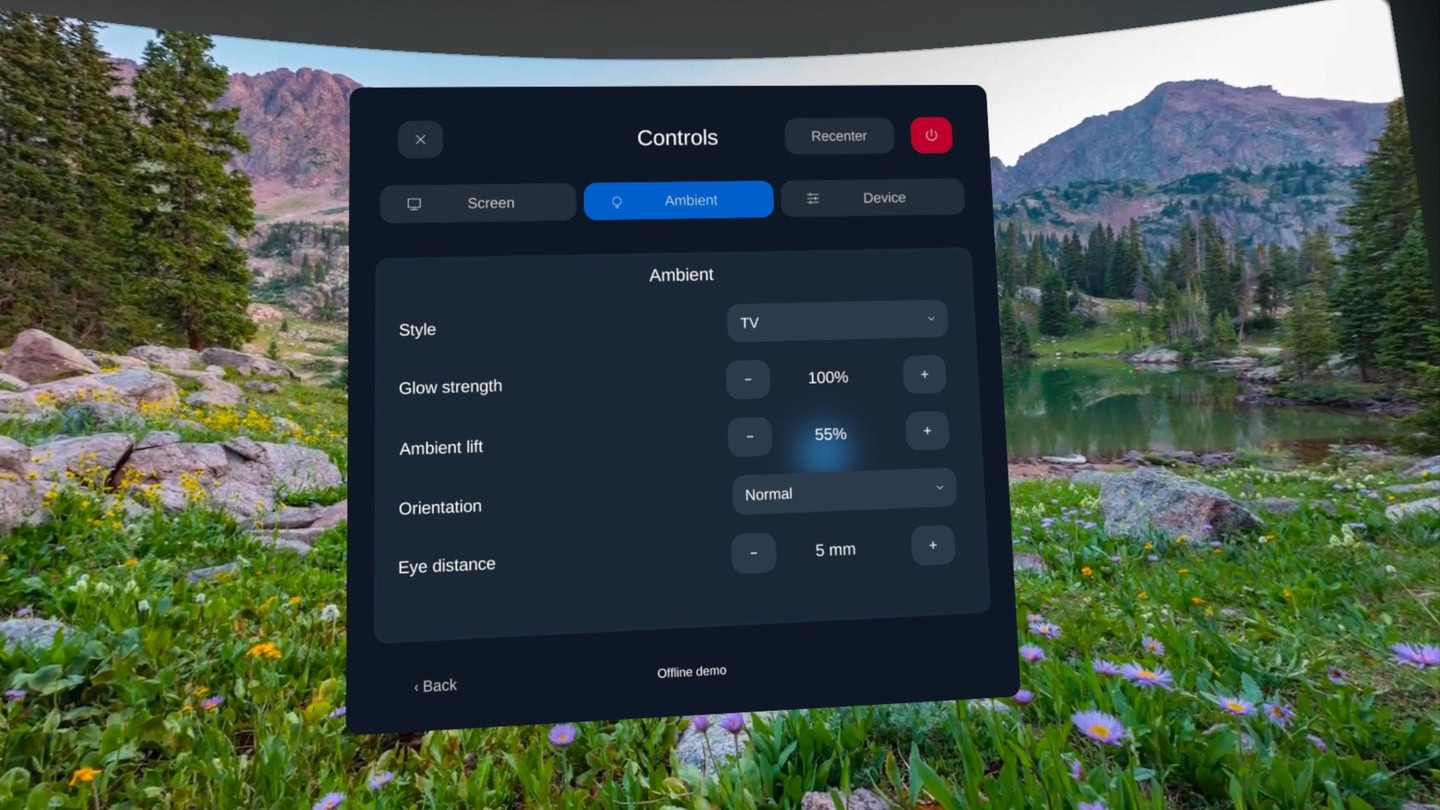
  • Customize ambient styles, glow strength, and shadows.
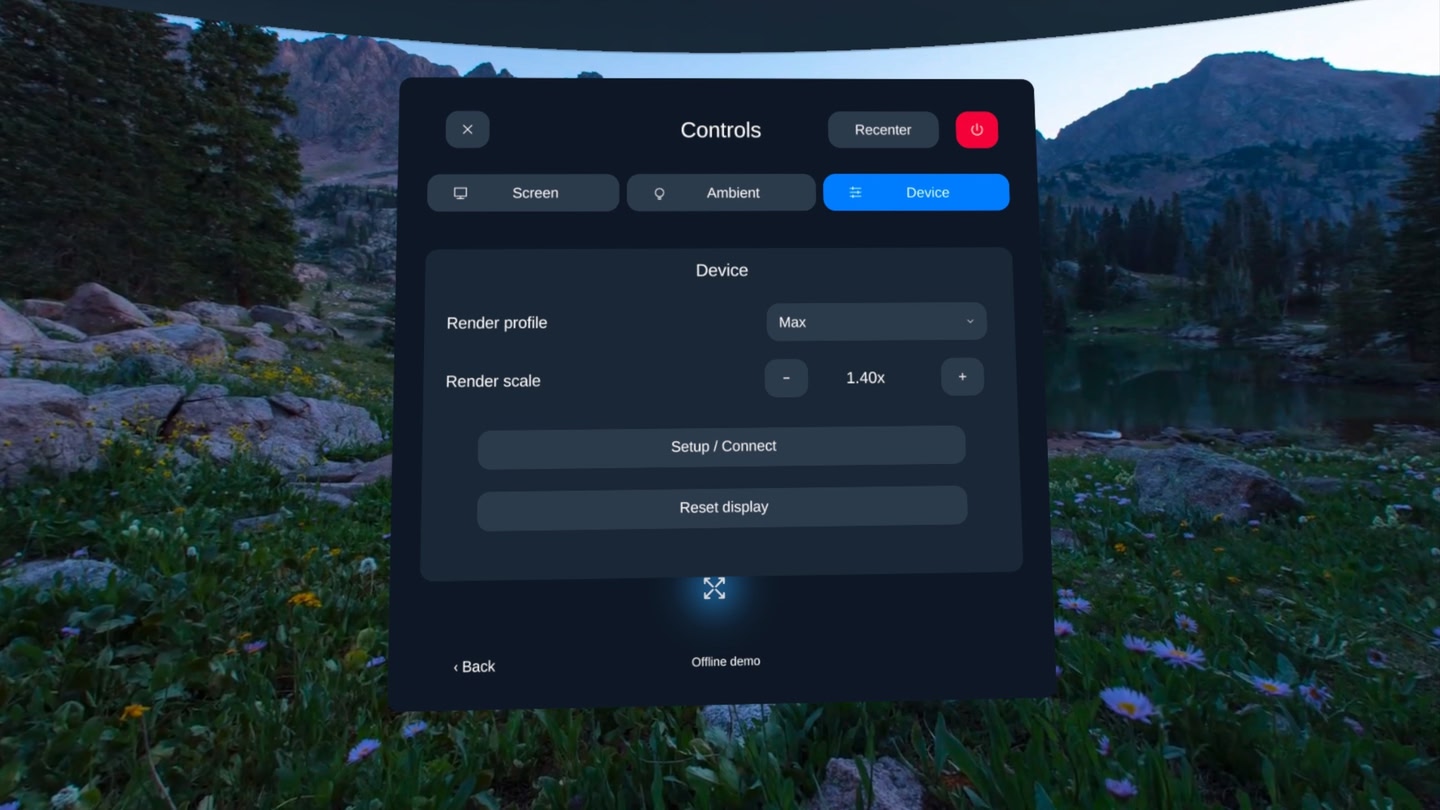
  • Use Quest controllers to adjust settings and recenter your view.
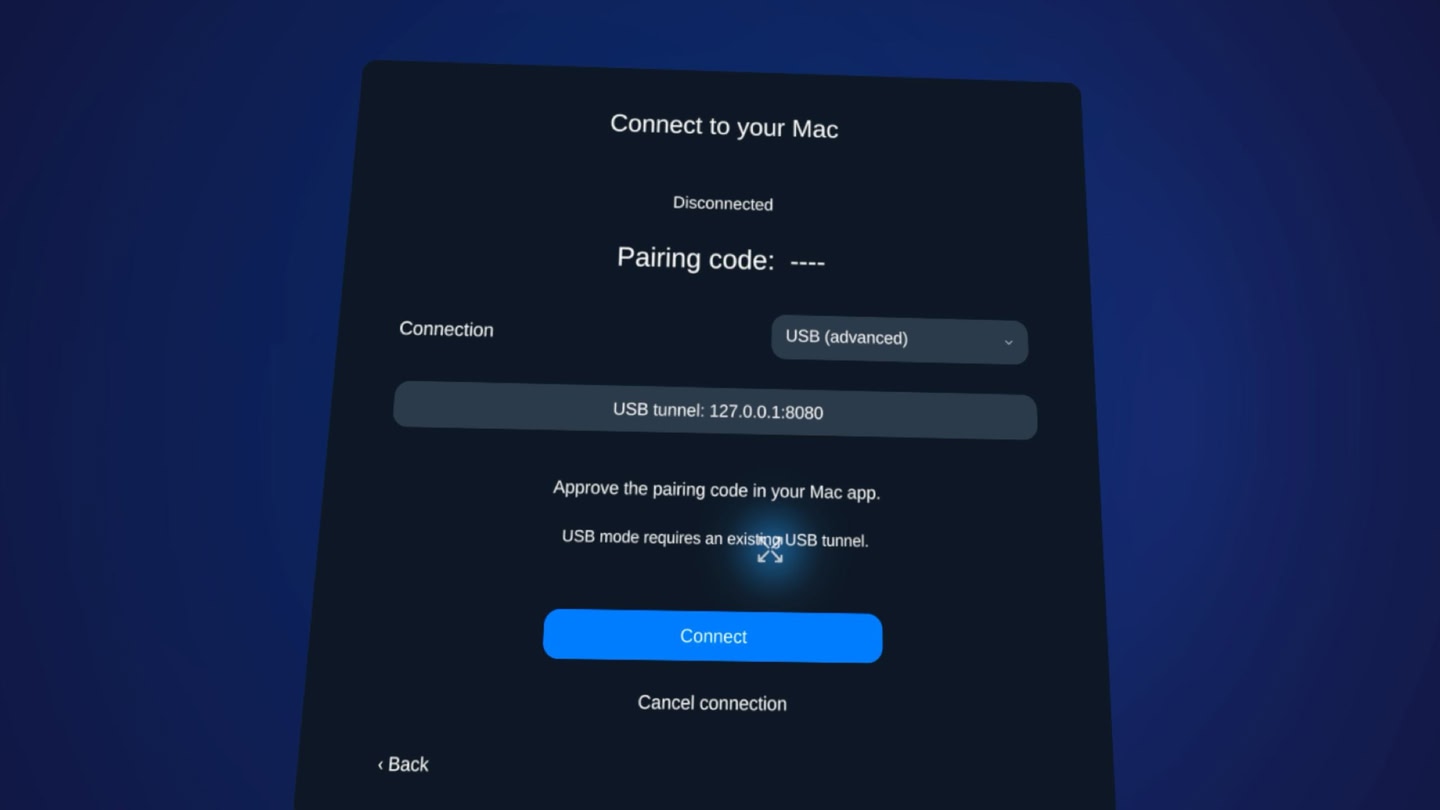
  • Connect over the same Wi-Fi network or through USB with ADB setup.

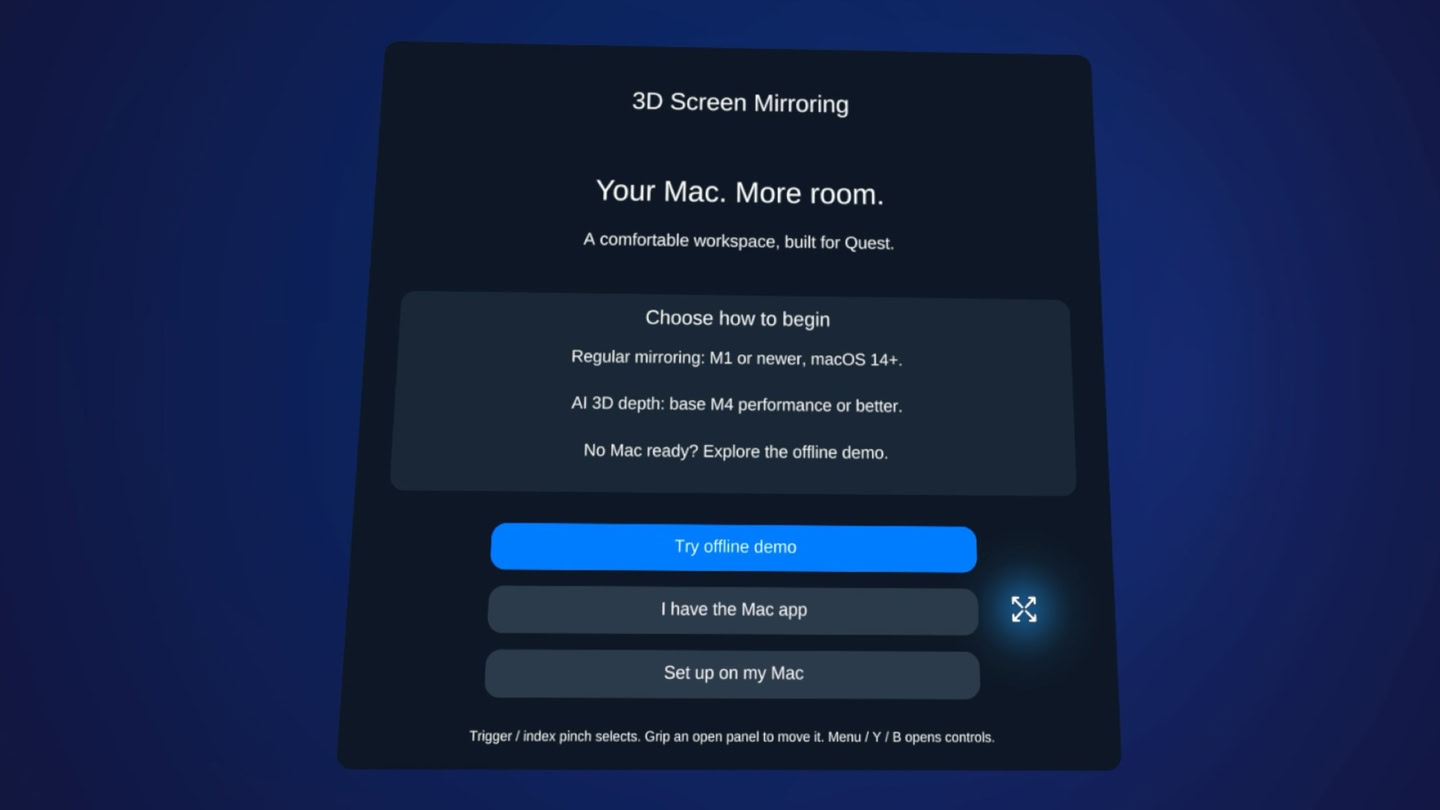
Start the companion app on your Mac, connect your headset, and approve the pairing code on your Mac to begin sharing.

A compatible Mac running the companion app is required. The Mac app includes a three-day free trial; continued mirroring requires a monthly or yearly subscription purchased separately through the Mac app. USB mode requires developer setup. Connection quality and performance depend on your Mac, headset, network, and selected streaming settings.

Details

Release date
September 17, 2026
Genre
Utilities, Computer Link
Category
APPS
Modes
Play area
Sitting, Standing, Room-scale
Comfort
Comfortable for most
Age rating
Everyone
Headsets
Quest 3S, Quest 3, Quest Pro, Quest 2
Controllers
Hands, Controllers
Hand tracking
✓ Supported
Languages
English
Internet
Not required
Ratings
Download size
200 MB
Version
1.0.0
In-app purchases
No
In-app ads
No

Frequently asked questions

How much does 3D Screen Mirroring cost?

3D Screen Mirroring is completely free on the Meta Horizon Store: download it to your headset and play, no purchase needed.

Does 3D Screen Mirroring work on Quest 3, Quest 3S or Quest 2?

3D Screen Mirroring officially supports: Quest 3S, Quest 3, Quest Pro, Quest 2. Headset support is set by the developer, as listed on the official store.

Is 3D Screen Mirroring comfortable for VR beginners?

3D Screen Mirroring is rated Comfortable by the official store: minimal artificial movement, a great pick for VR newcomers.

What is the age rating for 3D Screen Mirroring?

3D Screen Mirroring is rated Everyone on the official Meta store. Age ratings matter especially for online multiplayer titles, where voice chat is open.

When did 3D Screen Mirroring come out?

3D Screen Mirroring was released on September 17, 2026, published by 3D Screen Mirroring.